36
WDS Bridge Mode
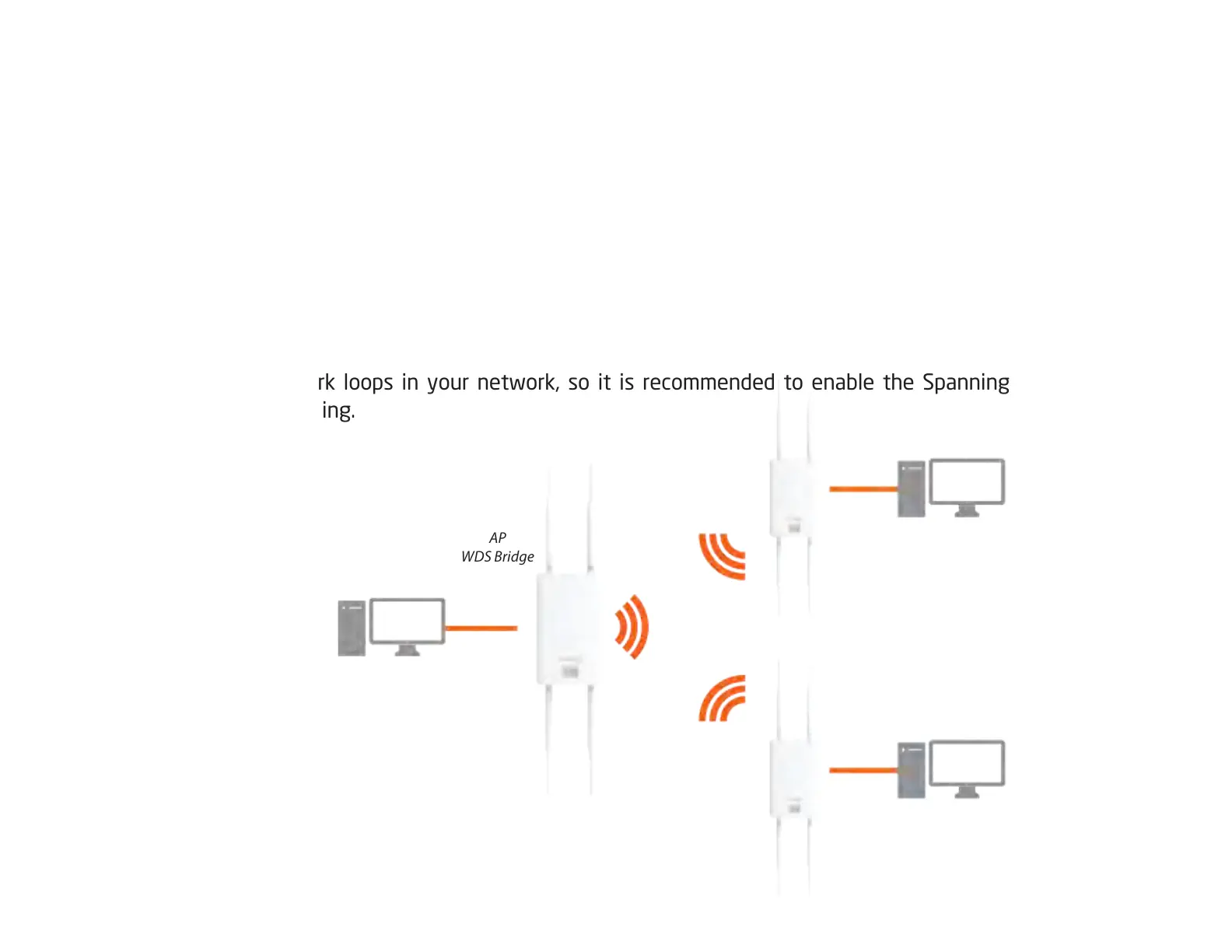
InWDSBridgeMode,theAccesssPointcanwirelesslyconnectdifferentLANsbyconguringtheMACaddressandsecurity
settingsofeachAccessPoints.UsethisoperatingmodewhentwowiredLANslocatedasmalldistanceapartwantto
communicatewitheachother.ThebestsolutionistousetheAccessPointtowirelesslyconnecttwowiredLANs,as
shown in the following diagram.
WDSBridgeModecanestablishuptofour(4)toeight(8)WDSlinks,creatingastar-likenetwork.
Note: WDS Bridge Mode does not act as an Access Point. Access Points linked by WDS are using the same frequency
channel. More Access Points connected together may lower throughput. This conguration can be susceptible to
generate endless network loops in your network, so it is recommended to enable the Spanning Tree function to
prevent this from happening.
AP
WDS Bridge
AP
WDS Bridge
Client
Computer
Client
Computer
Client
Computer













 To Next Page