18
6. Initial Setup ERB9250
ERB9250 uses web-interface for configuration to be accessed through your web
browser, such as Internet Explorer or Firefox.
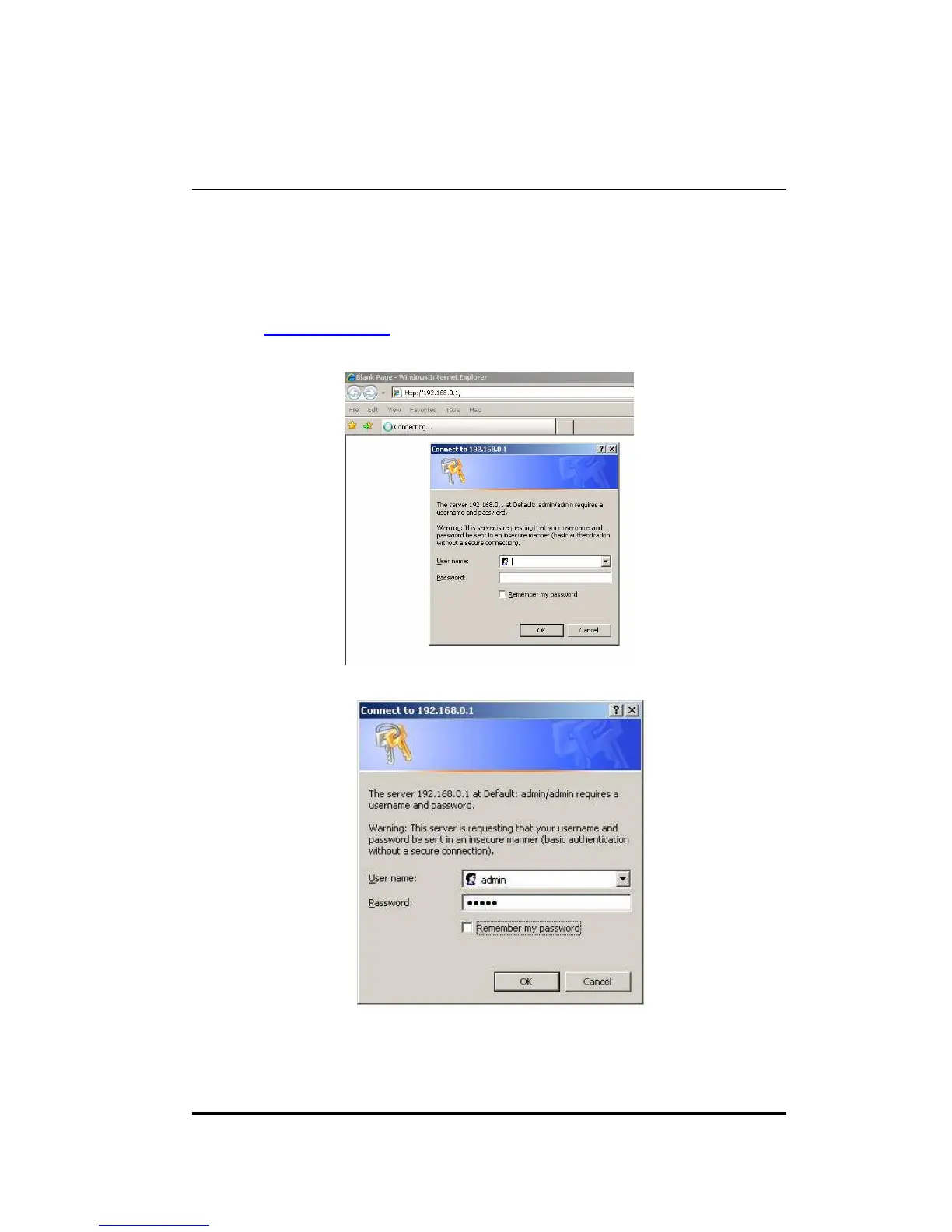
1. OPEN your browser (e.g. Internet Explorer).
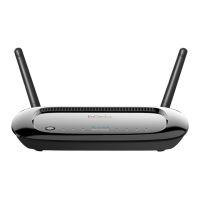
Type http://192.168.1.2 in address bar and hit [Enter] button on your keyboard.
Click <OK> to navigate into ERB9250 configuration home page.
You will see the home page of ERB9250 as follows.


 To Next Page