52
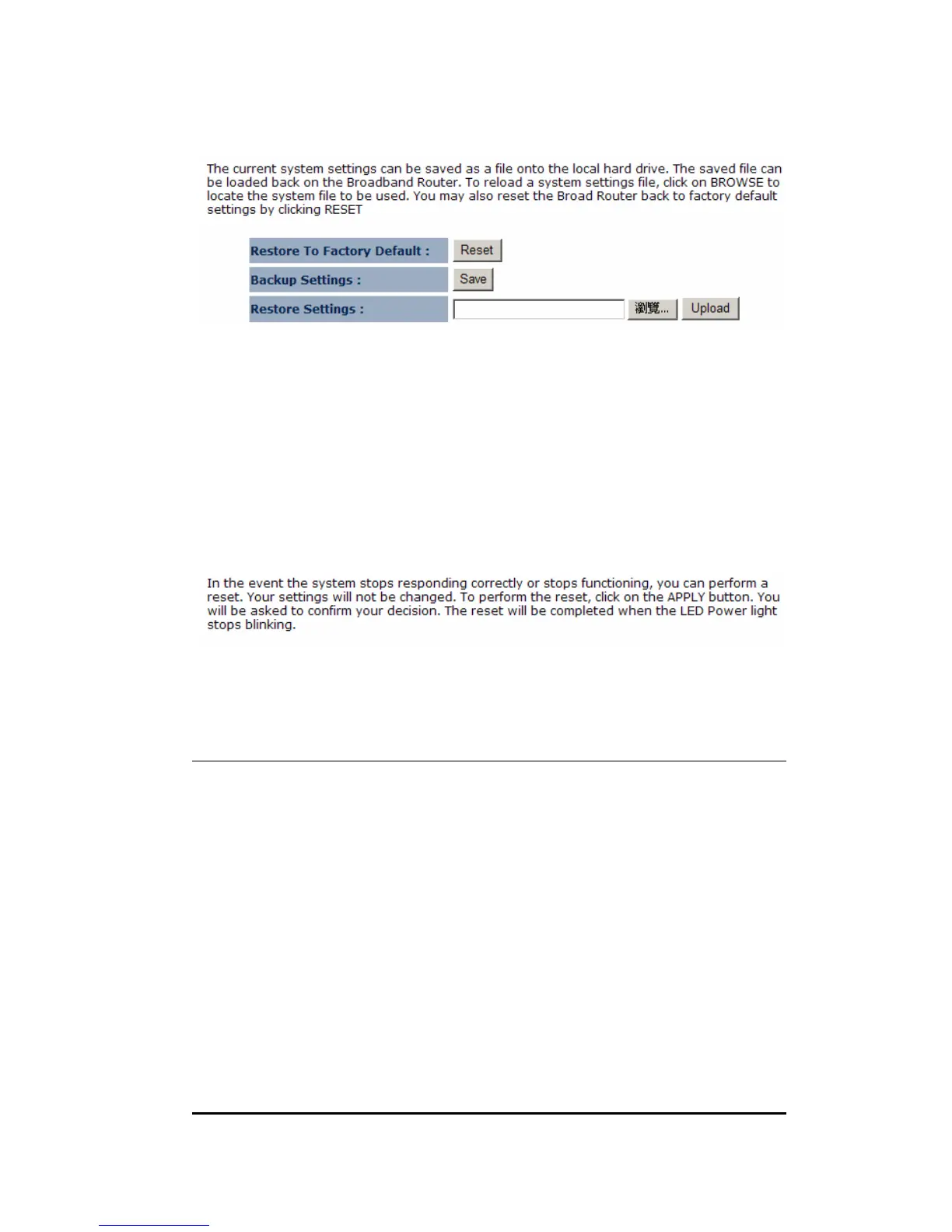
This page allows you to save the current router configurations. When you save the
configurations, you also can re-load the saved configurations into the router through
the Restore Settings. If extreme problems occur you can use the Restore to
Factory Defaults to set all configurations to its original default settings.
12.4. Reset
Click on [Apply] to reset to default.
13. Tools
13.1. Time Setting
The Time Zone allows your router to reference or base its time on the settings
configured here, which will affect functions such as Log entries and Firewall settings.
Time Setup:
Synchronize with the NTP server


 To Next Page