50
11.9. Dynamic Routing
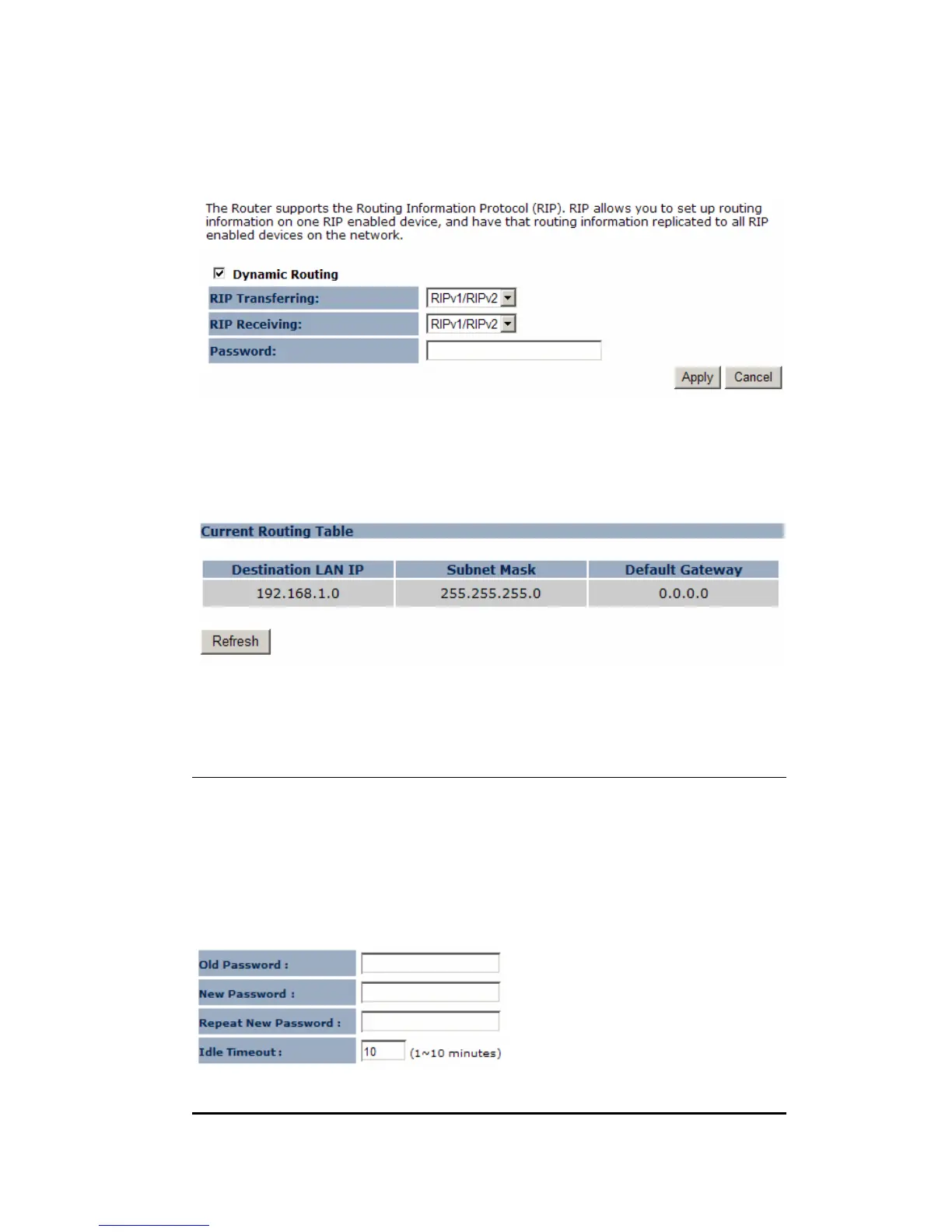
This page allows you to configure Dynamic Routing.
11.10. Routing Table
The page shows the device routing table.
12. Management
12.1. Admin
You can change the password required to log into the broadband router's system
web-based management. By default, the password is: admin. Passwords can contain
0 to 12 alphanumeric characters, and are case sensitive.


 To Next Page