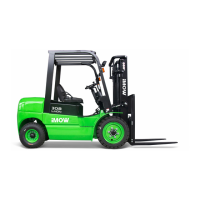
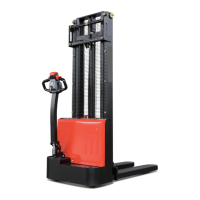
Hydraulic control switch/
Hydraulic control handle
Function operation:
• Load handler lift/lower
• Mast support extend / retract
• Fork forward or backward tilt
• Sideshift left / right
Switches control current on and off. Removing the key prevents
the truck from being switched on by unauthorised personnel.
Disconnects the supply current, deactivates all electrical
functions, causing the truck to brake automatically.
Select the required driving direction.
Sets control panel distance and height.
The driver’s seat can be horizontally adjusted.
Weight adjustment -
driver's seat
Adjusts driver’s weight for optimal seat cushioning
The backrest on the driver’s seat can be adjusted.
Provides infinite control of travel speed.
• Not applied: Travel inhibited, truck decelerates.
• Applied: Travel released.
Steers the truck in the required direction.
Operating information and warning message display.



 To Next Page