EasyManua.ls Logo

Epever IP350-12 - User Manual

Epever IP350-12
24 pages
Print Icon
To Next Page IconTo Next Page
Loading...
1
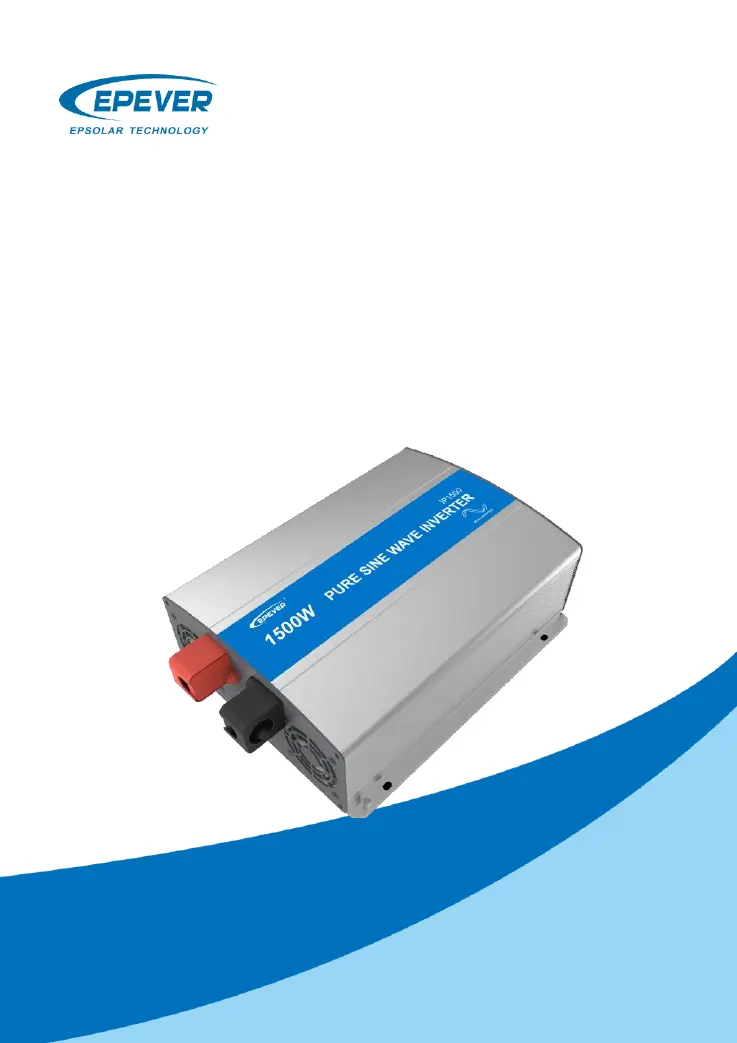
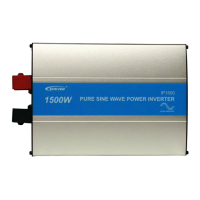
IPower Series
——Pure Sine Wave Inverter
User Manual
Models:
IP350-12/22/11/21
IP500-12/22/11/21
IP1000-12/22/11/21
IP1500-12/22/11/21
IP2000-22/42/21/41

Questions and Answers

  • M
    Misty BeckerJul 27, 2025
    What to do if the red indicator is fast flashing and the buzzer sounds on my Epever Inverter?
    • F
      fwhiteJul 28, 2025
      If the red indicator on your Epever Inverter is flashing rapidly and the buzzer is sounding, it typically indicates a short circuit. First, carefully inspect the load connections to identify and resolve any faults. If the issue persists, try restarting the inverter.
  • S
    Shannon FernandezAug 3, 2025
    Why is the red indicator slowly flashing and the buzzer sounding on my Epever Inverter?
    • R
      Robert BrownAug 3, 2025
      If the red indicator on your Epever Inverter is slowly flashing and the buzzer is sounding, it usually means there's an overload. To fix this, try reducing the number of AC loads connected to the inverter. If the problem continues, restart the inverter.
  • B
    Brittany BeardAug 8, 2025
    What does it mean when the green and red indicators are solid and the buzzer sounds on my Epever Inverter?
    • J
      Jessica WolfeAug 8, 2025
      When both the green and red indicators are solid and the buzzer sounds on your Epever Inverter, it signals an over-temperature condition. The inverter will automatically stop output when the heat sink temperature exceeds 80°C or the internal temperature goes above 60°C. The inverter will resume output when the heat sink temperature drops below 70°C and the internal temperature is below 50°C.
  • J
    Joseph AndersonAug 15, 2025
    How to fix a green indicator that is fast flashing with a buzzer sound on my Epever Inverter?
    • L
      Lisa TateAug 15, 2025
      If the green indicator on your Epever Inverter is flashing rapidly and the buzzer is sounding, it indicates a DC input over voltage. Measure the DC input voltage. If it's higher than 16/32/64V, adjust the input voltage to restore it to the normal range.
  • R
    Randy JonesAug 21, 2025
    What to do if the green indicator is slowly flashing and the buzzer sounds on my Epever Inverter?
    • C
      clintonturnerAug 21, 2025
      If the green indicator on your Epever Inverter is flashing slowly and the buzzer is sounding, it means the DC input voltage is too low. Measure the DC input voltage. If the voltage is lower than 10.8/21.6/43.2V, adjust the input voltage to restore normal operation.

Summary

Important Safety Instructions

Introduction to IPower Series

Model Designations

Model Numbering Scheme

Explains the naming convention for IPower series models based on specifications like power, voltage, and features.

Wiring and Connections

DC Input Wiring

Details the DC input connection diagram for 12/24/48V systems.

AC Output Wiring

Illustrates the AC output connection for 220/230V or 110/120V systems.

Product Functions and Features

Panel Layouts

Overview of DC input and AC output panel components and indicators.

Input Voltage and Fan Operation

Details input voltage ranges, fan control logic, and AC outlet options.

Communication, Mode, and Status Indicators

Explains RS485 port, mode switch, LED indicators, and buzzer functions.

Protection and Recovery Features

Input Voltage Protections

Covers over and low voltage protection conditions and recovery procedures.

Temperature Protection

Details over-temperature protection conditions and how the inverter recovers.

Output Overload and Short Circuit Protection

Explains protection mechanisms for overload and short circuits, including auto-recovery.

Troubleshooting Common Issues

Input Voltage Faults

Addresses issues related to DC input under/over voltage.

Output and Temperature Faults

Covers troubleshooting for overload, short circuit, and over-temperature faults.

Maintenance and Disclaimer

Maintenance Recommendations

Regular inspections and cleaning tasks for optimal inverter performance.

Warranty Disclaimer Conditions

Lists conditions under which the product warranty does not apply.

Technical Specifications

Environmental and Safety Specifications

Details operating conditions, enclosure rating, and dielectric strength tests.

Epever IP350-12 Specifications

General IconGeneral
BrandEpever
ModelIP350-12
CategoryInverter
LanguageEnglish

Related product manuals