SECTION 5: THE LASER DASHBOARD
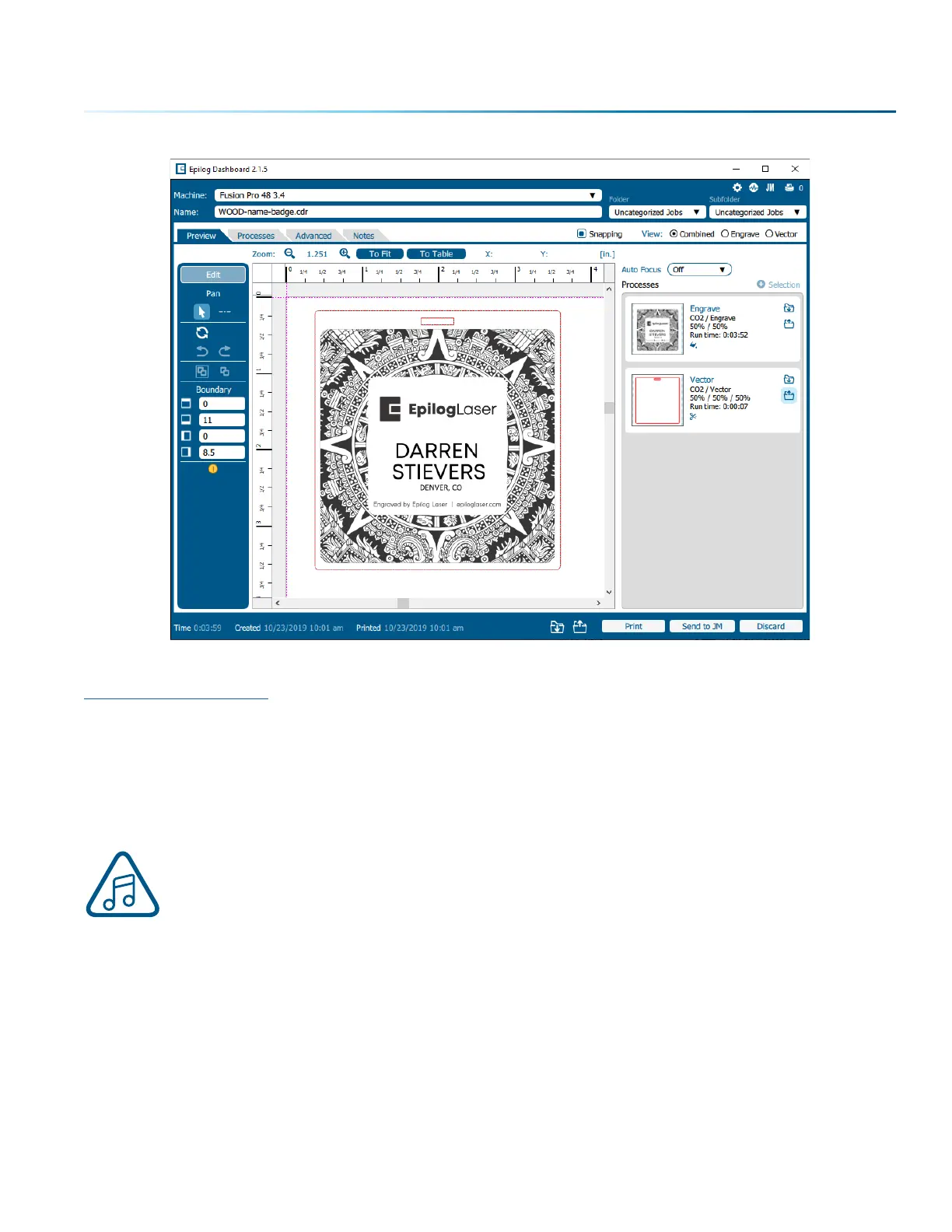
The Epilog Dashboard is your portal between your graphic file and the laser. Install your Dashboard at
epiloglaser.com/drivers. There are four main areas we’ll cover to get you started:
1. Sending Your First Project
2. Presetting Your Cut Lines
3. Placing Artwork
4. Dividing Your Job into Processes
If you have worked with Epilog’s previous print driver, you’ll see some new ways that the
Dashboard lets you interact with your file. It may seem dierent at first, but you’ll quickly find
that you can still use your traditional methods of printing to the laser, or use several new ones
that make file setup quicker and easier!
- 55 -



 To Next Page
 Loading...






