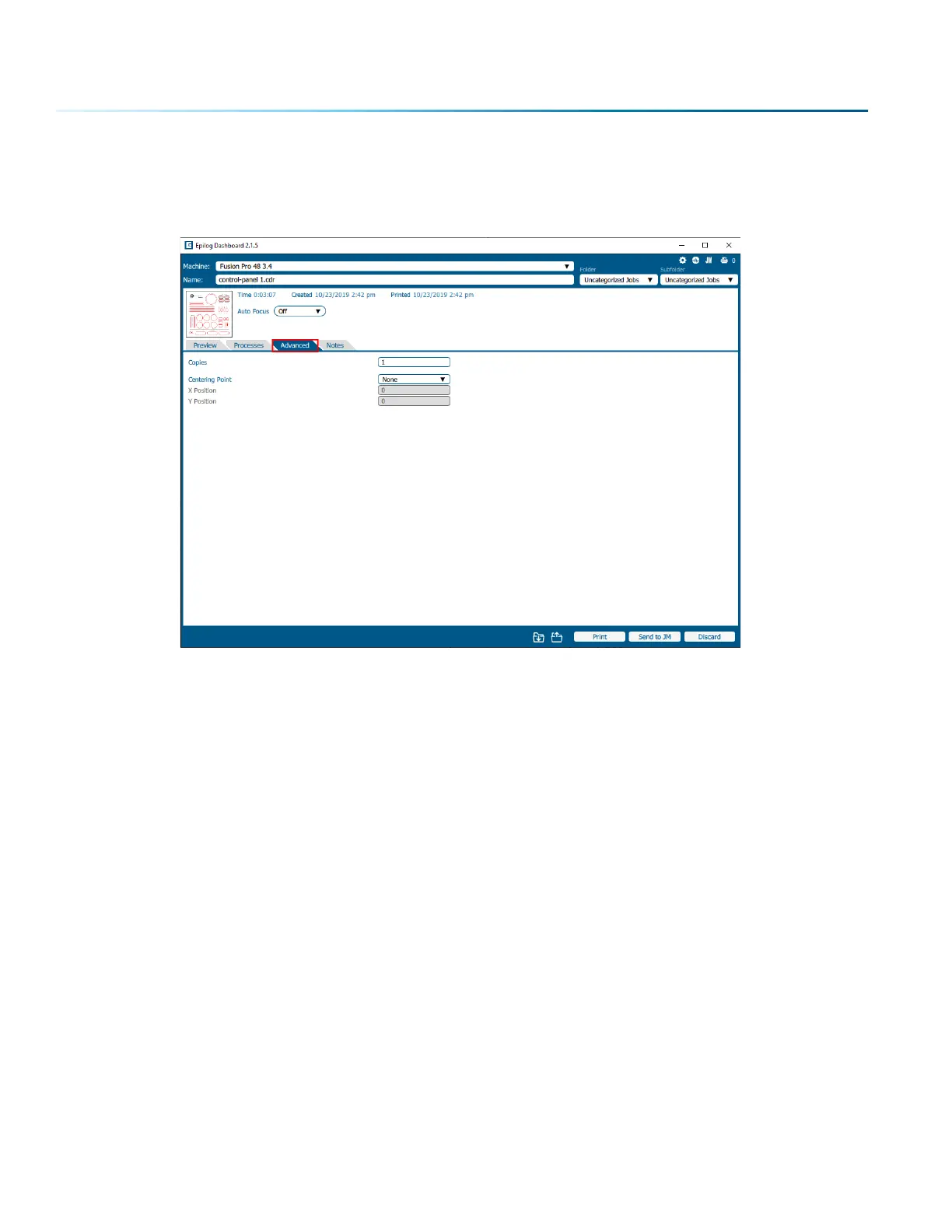
Advanced Tab
On the Advanced tab, you can change settings that will aect the entire job.
• Copies: Set the number of times you would like to rerun the job. If you have 2 processes, the laser
will complete each of the two processes, then run the two processes a second time. If you have a
process with more than one cycle (process 1: cycles 1, process 2: cycles: 2) and set the copies to 2, it
will run process 1 once, process 2 twice, then process 1 once again, and process 2 twice more.
• Centering Point: This feature allows you to define the center of your artwork as the primary
reference point (Home Position) of your engraving or cutting. For more information on Center
Engraving, see “Center Engraving” on page 116.
Notes Tab
Use the Notes tab to keep notes on running your file. This can include suggestions for artwork placement,
speed and power notes, or anything else a laser operator may find helpful when running that project.
- 86 -
SECTION 5: THE LASER DASHBOARD



 To Next Page
 Loading...






