Operation
Centrifuge 5430/5430 R
English (EN)
30
5.2 Menu navigation
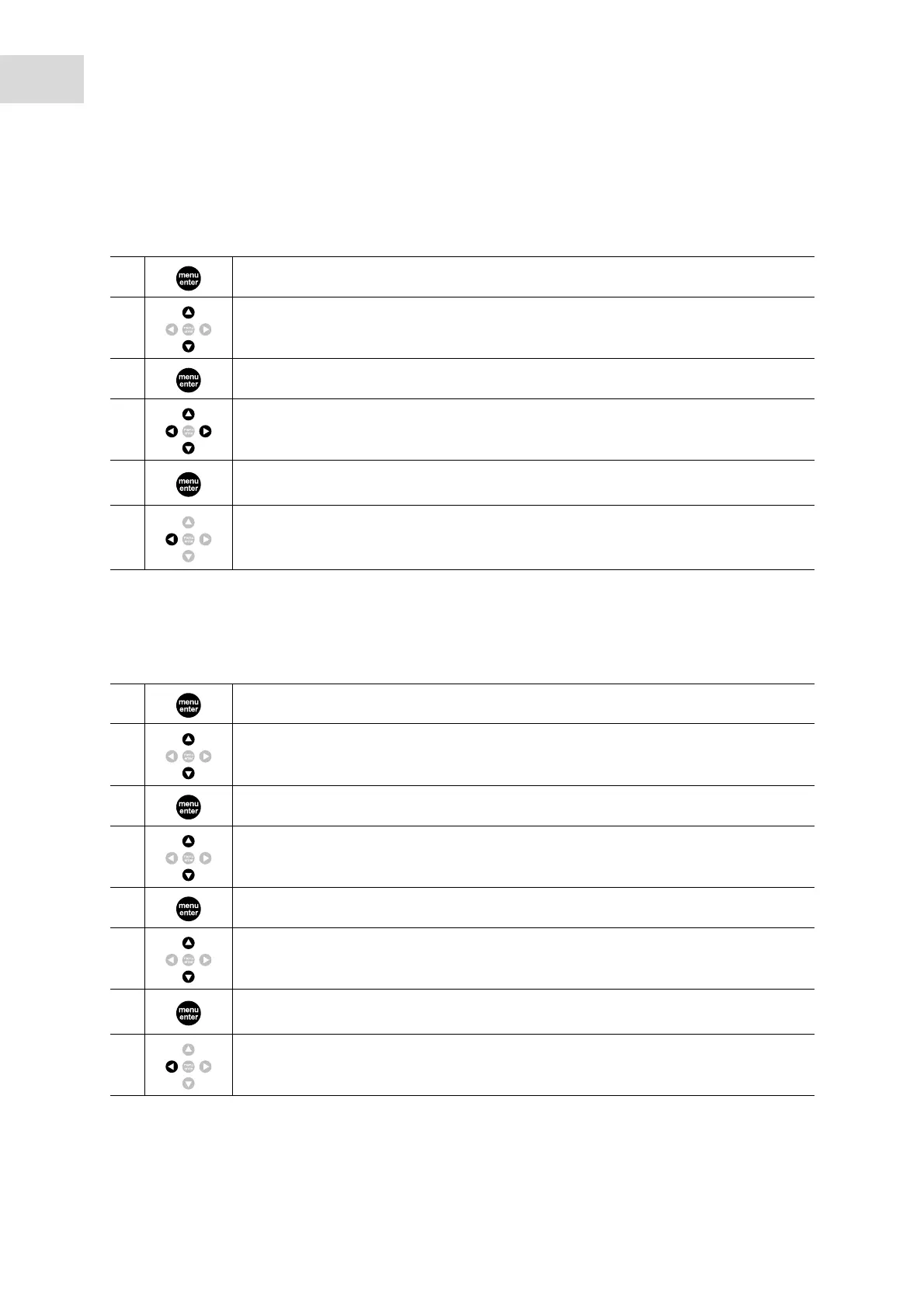
The menu consists of two levels. To change settings, generally proceed as follows.
5.3 Configure centrifuge
5.3.1 Set menu language
Proceed as follows to set menu language.
1. Open menu.
2. Select the desired menu item.
3. Confirm selection.
4. Select the setting of the parameters in question.
5.
Confirm changed setting.
A tick appears in front of the confirmed setting.
6.
Keep pressing the key until you reach the desired menu level or exit the menu.
Some menus can only be exited by selecting and confirming the menu item Back /
Zurück / Retour / Atrás.
1. Open the menu.
2. Select Settings.
3. Confirm your selection.
4. Select Language.
5. Confirm your selection.
6. Select English, Deutsch, Francais or Espanol.
7.
Confirm your selection. A tick appears in front of the selected language. The setting
takes effect immediately.
8. Press key several times to exit the menu.



 To Next Page