Operation
Centrifuge 5430/5430 R
English (EN)
31
5.3.2 Setting the date and time
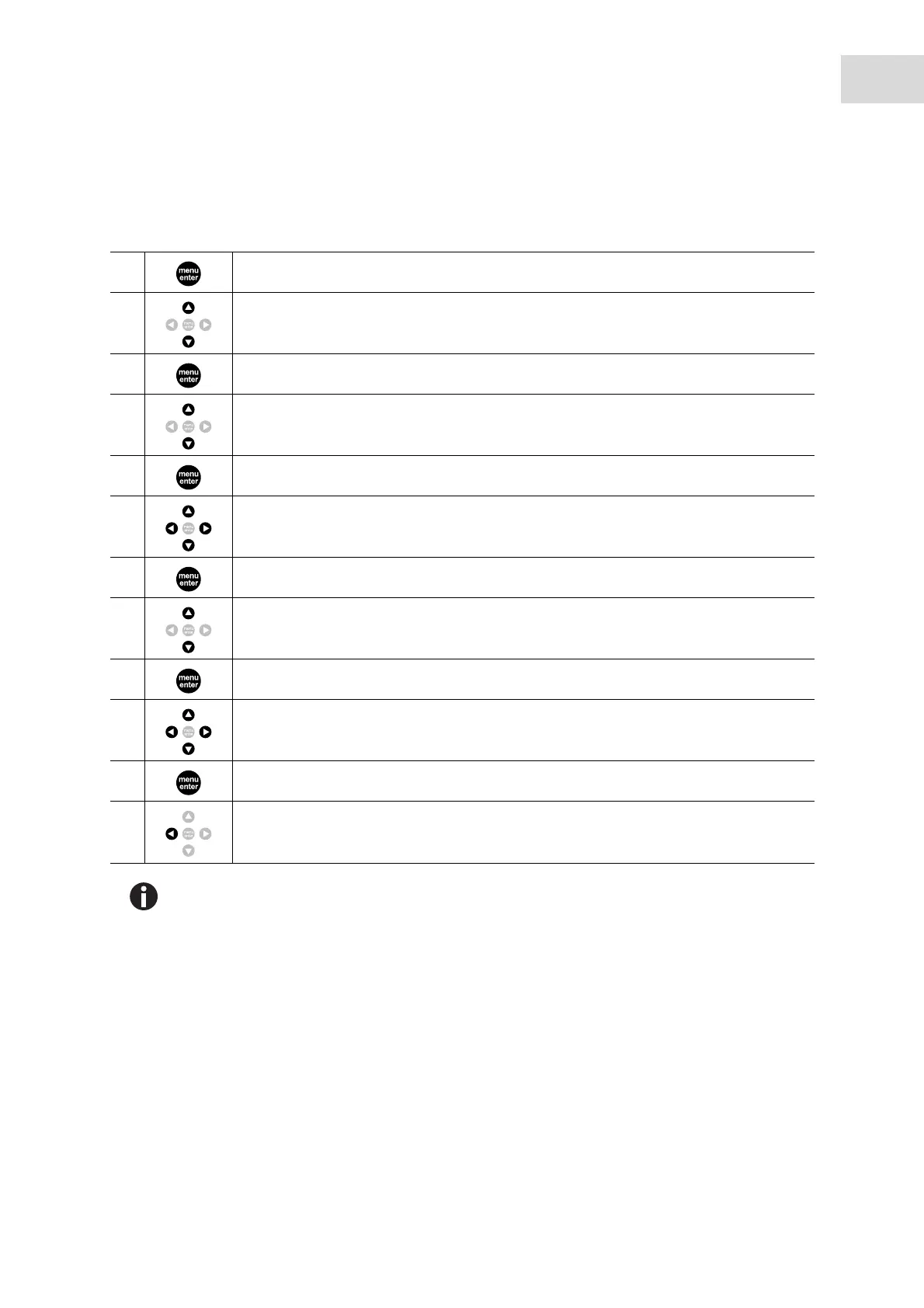
Proceed as follows to set date and time.
1. Open the menu.
2. Select Settings.
3. Confirm your selection.
4. Select Date/time.
5. Confirm your selection.
6. Set date.
7. Confirm setting.
8. Set time format (12 h/24 h).
9. Confirm setting.
10. Set time.
11. Confirm setting.
12. Press key several times to exit the menu.
There is no automatic switch between summer time and winter time.



 To Next Page