15
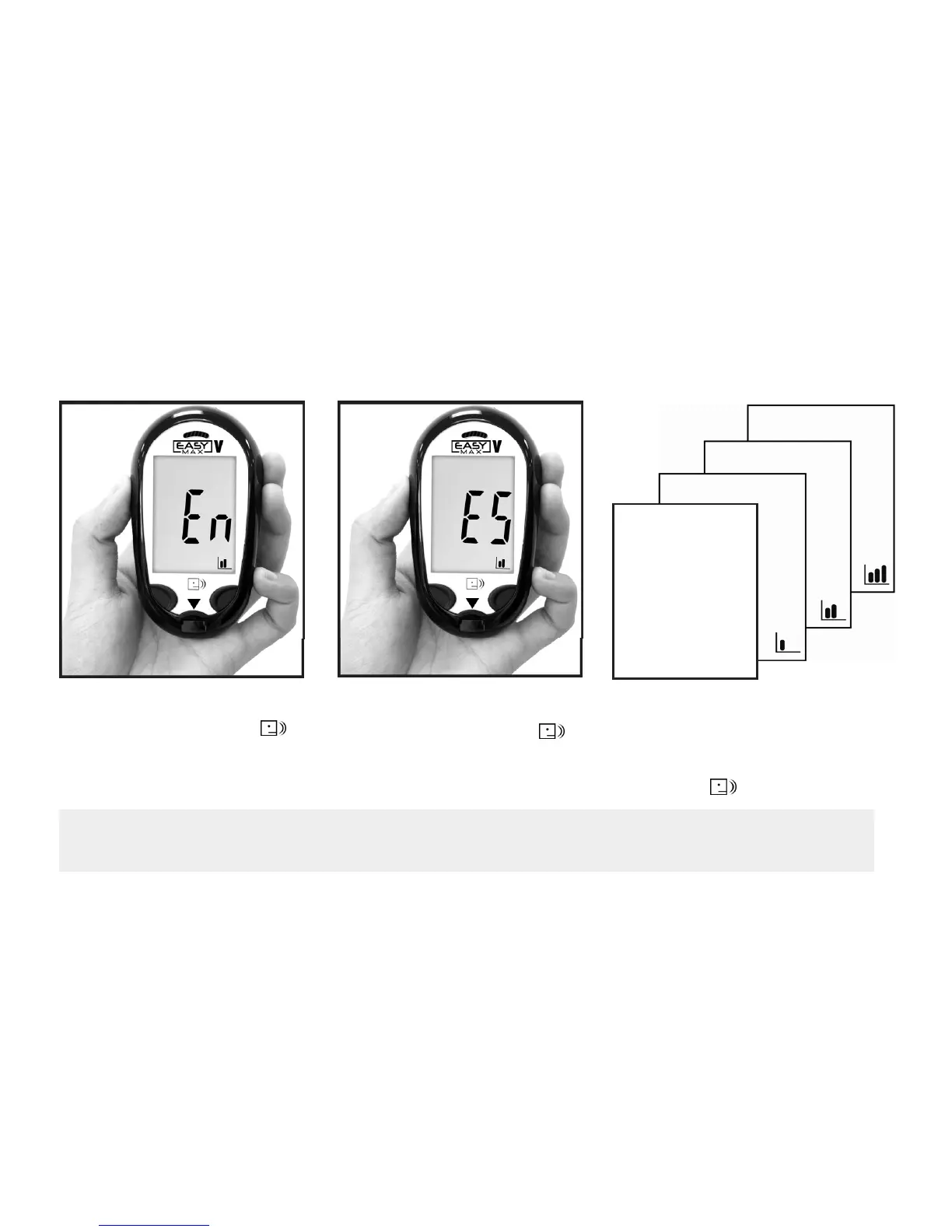
Setting the Language and Volume - First Time Use
Note:
The unit of Blood Glucose Meter is set at mg/dL without any modification function.
2. And press (Right Button)
to confirm the setting.
1. Press (Left Button) to
adjust the language.
(En= English, Es = Spanish)
3. Press (Left Button) to adjust
the volume and press (Right
Button) to confirm the setting.
(Volume from mute mode to 3
levels).



 To Next Page