26
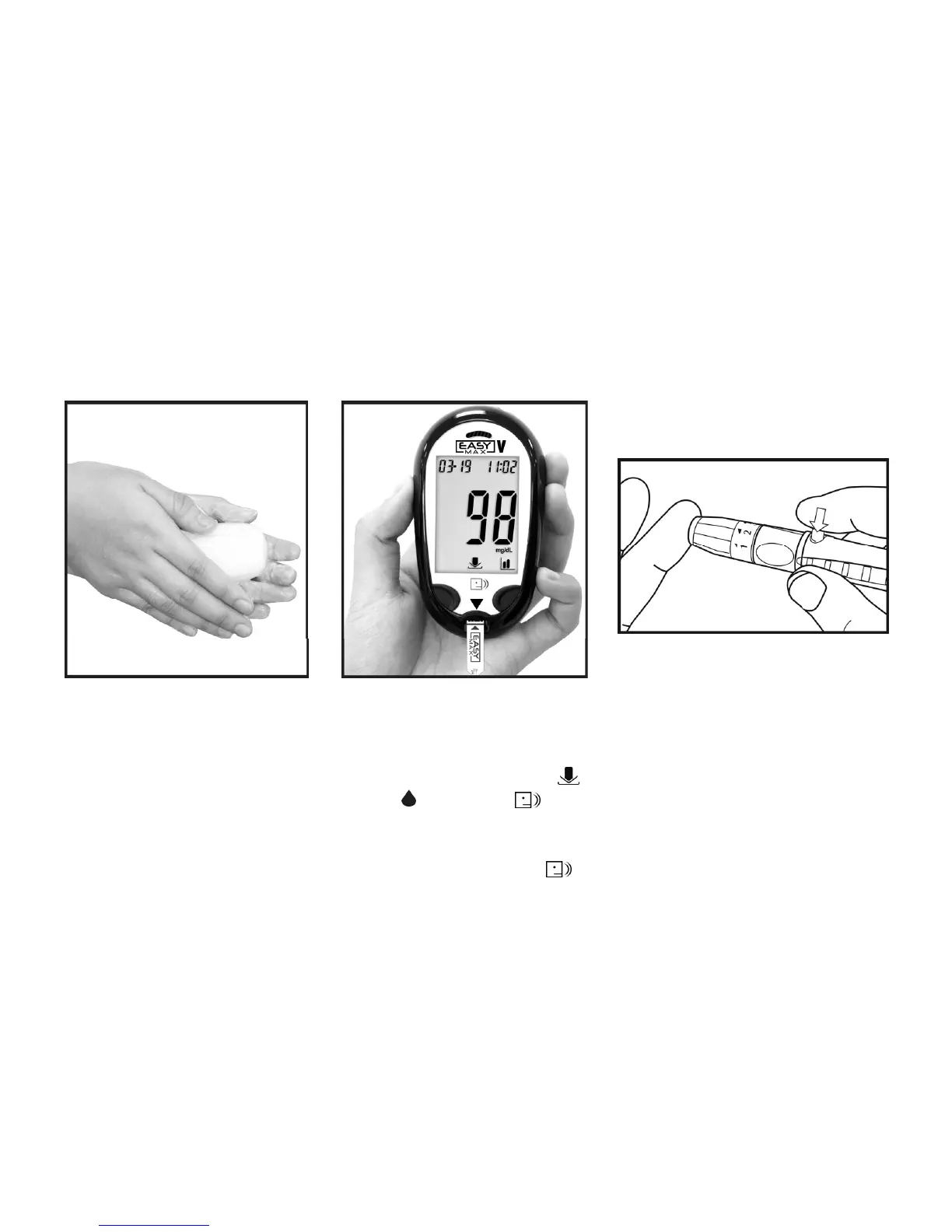
2. Put a test strip into the meter
in the direction of the arrow.
The meter turns on
automatically. The icons
and will appear.
3. When the blood drop flashes
on the display, the meter will
speak the instructions.
Running a Blood Glucose Test with Blood from Your Fingertip
1. Wash your hands with soap
and warm water.
Rinse and dry thoroughly.
4. Using the lancing device.
Hold the lancing device firmly
against the side of your finger.
Press the trigger button. Then
remove the lancing device
from your finger.



 To Next Page