37
Viewing & Deleting Test Results
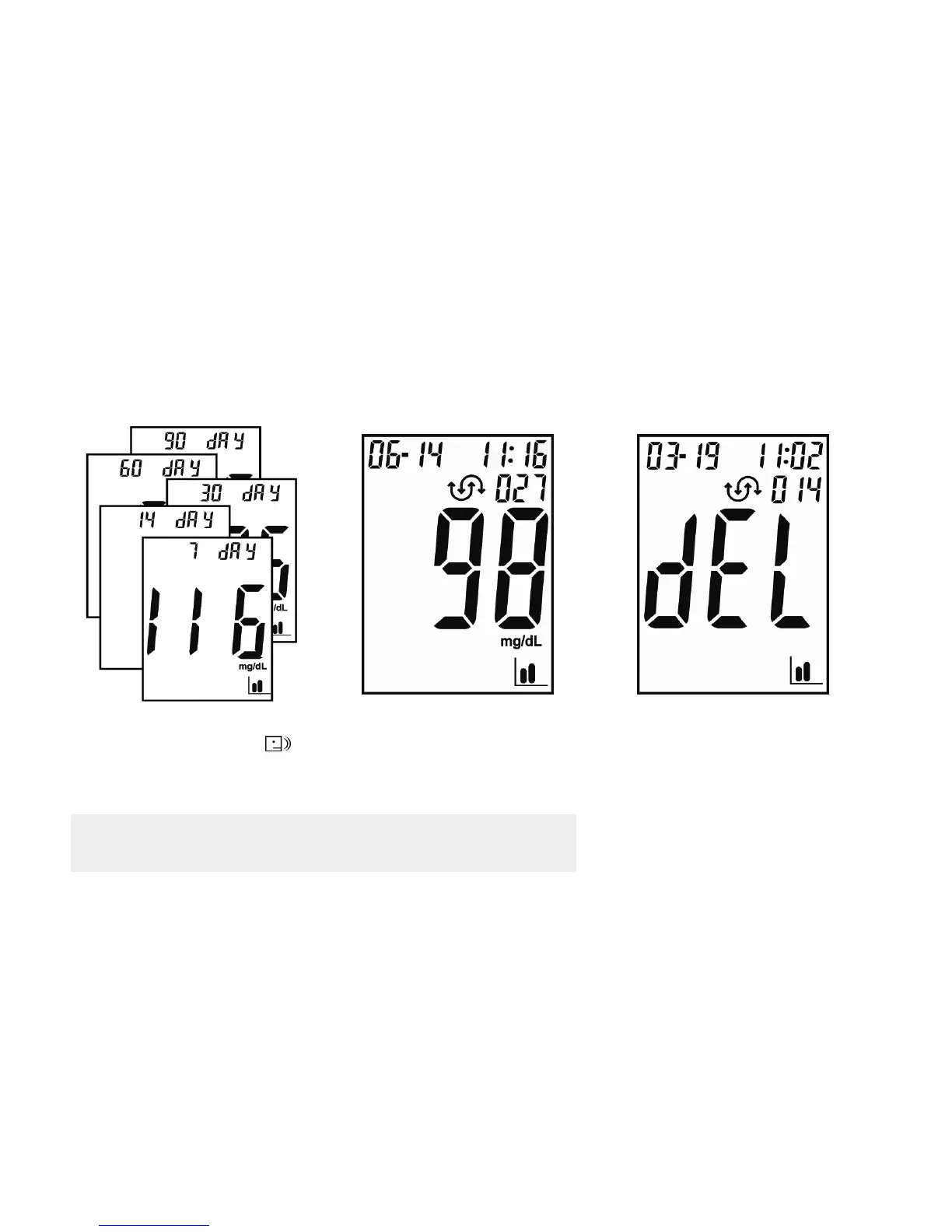
The meter provides 7, 14, 30, 60 and 90 days averaging to help track your blood glucose trend.
3. Press the (Left Button) to
view the last test result.
4. To delete a test result, press (Left
Button) for more than 3 seconds
and display shows "dEL".
5. Press (Left Button) to keep
reviewing the results.
6. Press (Right Button) to go back to
averages for 7/14/30/60/90 days.
1. Press (Right Button) until
turning the meter on.
2. Press (Left Button) to view
averages for 7/14/30/60/90 days.
Note: Press for 3 seconds to turn off the meter, or the meter
turns off automatically in 90 seconds.



 To Next Page