31
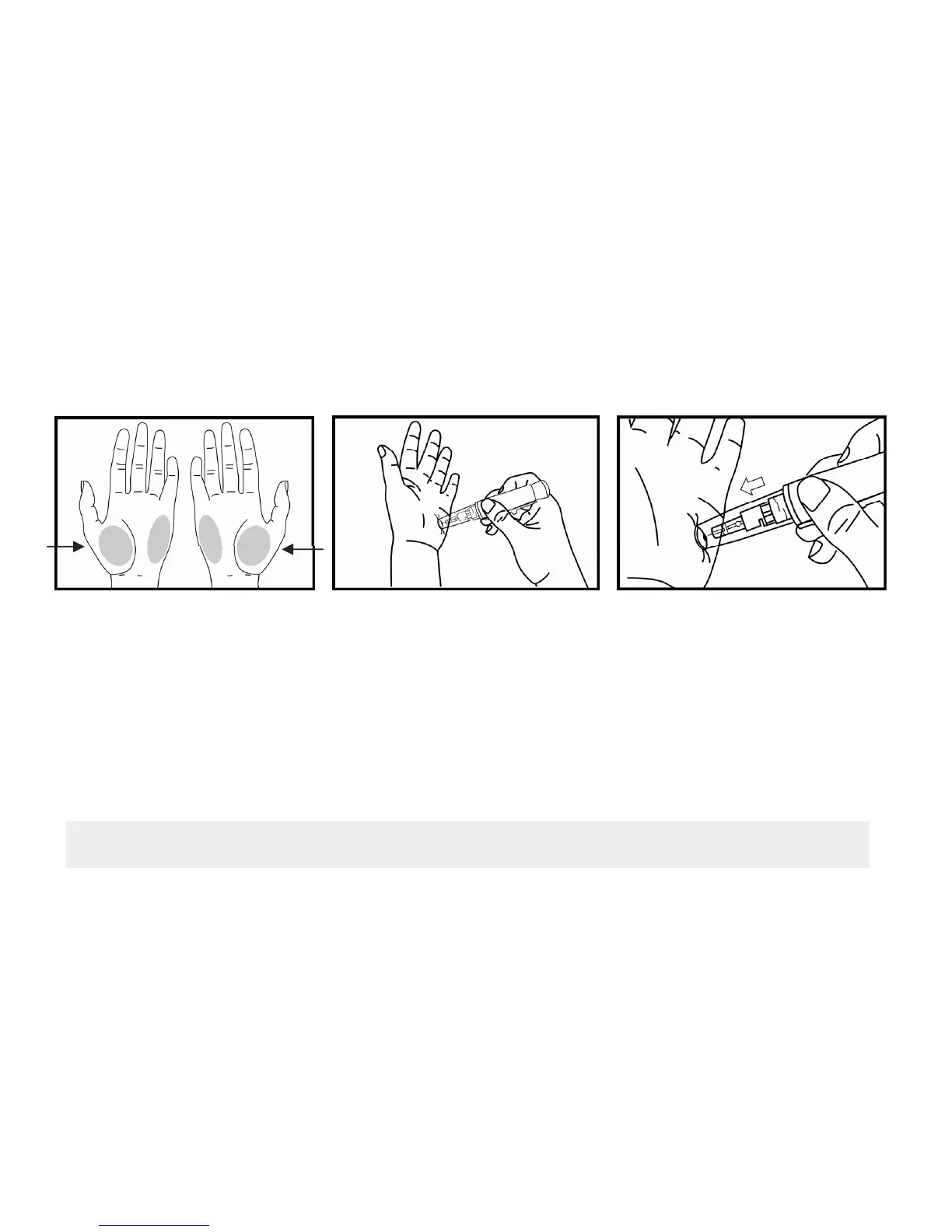
2. Press and hold the device
with one clear adjustable tip
against the palm.
3. Press the trigger button to
activate the lancing device.
4. Hold the device against palm
and increase pressure until the
blood sample size is sufficient.
1. Massage the puncture area of
palm for a few seconds.
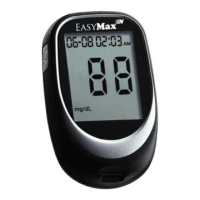
Running A Blood Glucose Test With Blood From Your Palm
Note: Check with your healthcare professional before test other sites than fingertip.



 To Next Page