41
Screen Messages and Troubleshooting
Never make treatment decisions based on an error message. If you have any concerns, please call customer
service toll-free at 866-994-3345, or your current dealer.
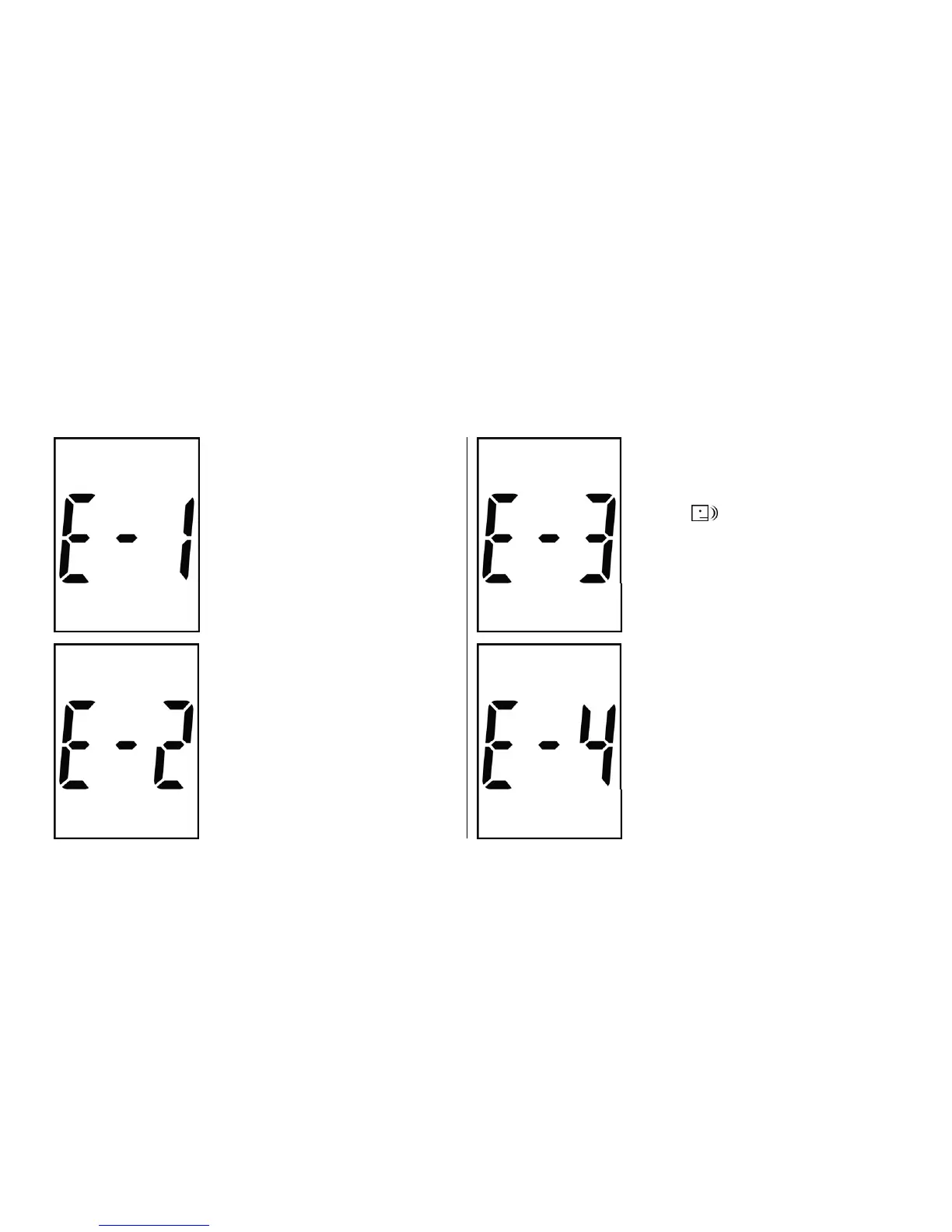
System error
Action: Remove and re-install
the batteries first. If E-1
appears again, please call
Customer Service toll-free
866-994-3345.
Humidified/Used strips
Action: Replace with a new
strip. Refer to pages
26-31 for further information.
Volume detector error
The volume of blood or
control solution is NOT
enough.
Action: Replace with a new
strip. If E-2 appears again,
please call Customer Service
toll-free 866-994-3345.
Backup and recovery setting
Action: Remove and re-install
the batteries first. If E-4
appears again, please call
Customer Service toll-free
866-994-3345.



 To Next Page