Useful Functions
64
Memory Function
Settings that can be Saved
You can save some settings for the Configuration menu (Save Memory).
By saving settings, you can load settings made for specific images or scenes from the remote control (Load
Memory).
You can save the following Configuration menu settings.
Image
s
p.86
Color Mode, Power Consumption, Brightness, Contrast, Color Saturation, Tint, Sharpness,
Color Temp., Skin Tone, Dynamic Contrast
Advanced Sharpness, Offset, Gain, Gamma, Hue, Saturation, Brightness, EPSON Super
White
Signal
s
p.88
Deinterlacing, Motion Detection, Super-resolution
*1
, Super-resolution/4K
*2
, Detail Enhance-
ment
Advanced Noise Reduction, Setup Level, Overscan, HDMI Video Range
*1
EH-LS9600W only
*2
EH-LS10000 only
Saving the Memory
a
Make settings that you want to save to
the Configuration menu.
b
Press the button.
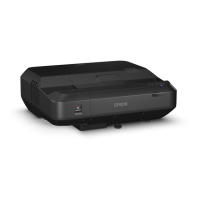
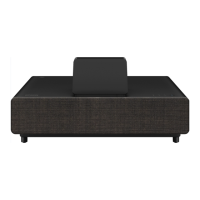
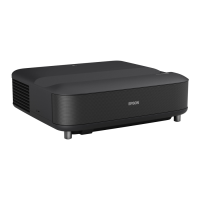
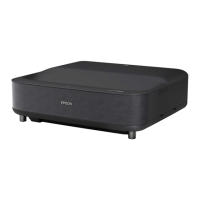
EH-LS10000 EH-LS9600W
c
Use the buttons to
select Save Memory, and then press
the
button to confirm the
selection.
The Save Memory screen is displayed.



 To Next Page