Useful Functions
79
Picture in Picture
In Picture in Picture, two different image sources can be projected, one in the main screen (large screen) and
the other in the sub screen (small screen).
Types of Screen that can be Displayed Simultaneously
HDMI1, HDMI2 and WirelessHD are examples of input sources that
can be displayed in Picture in Picture.
Combinations of input sources for Picture in Picture projection
Main Screen Sub Screen
HDMI1 HDMI2, WirelessHD
*
HDMI2 HDMI1, WirelessHD
*
WirelessHD
*
HDMI1, HDMI2
*
EH-LS9600W only
The projector uses InstaPrevue Technology from Silicon Image, Inc.
Starting and Exiting Picture in Picture
Starting
Press the
button on the remote control while the projector is projecting.
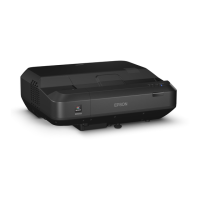
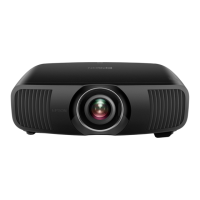
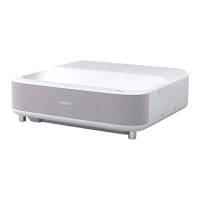
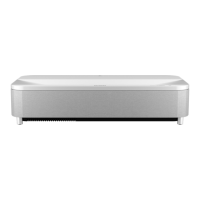
EH-LS10000 EH-LS9600W
The currently input image is displayed on a Picture in Picture.
Main screen: The current image
Sub screen: The source different from the main screen
Exiting
Press the
button to exit.
c
•
If the source being input is not supported, nothing is displayed in Picture in Picture.
•
You cannot use Picture in Picture display to project 3D images or 4K images.
•
If a 3D image or a 4K image is input during Picture in Picture display, the Picture in Picture function exits.


 To Next Page