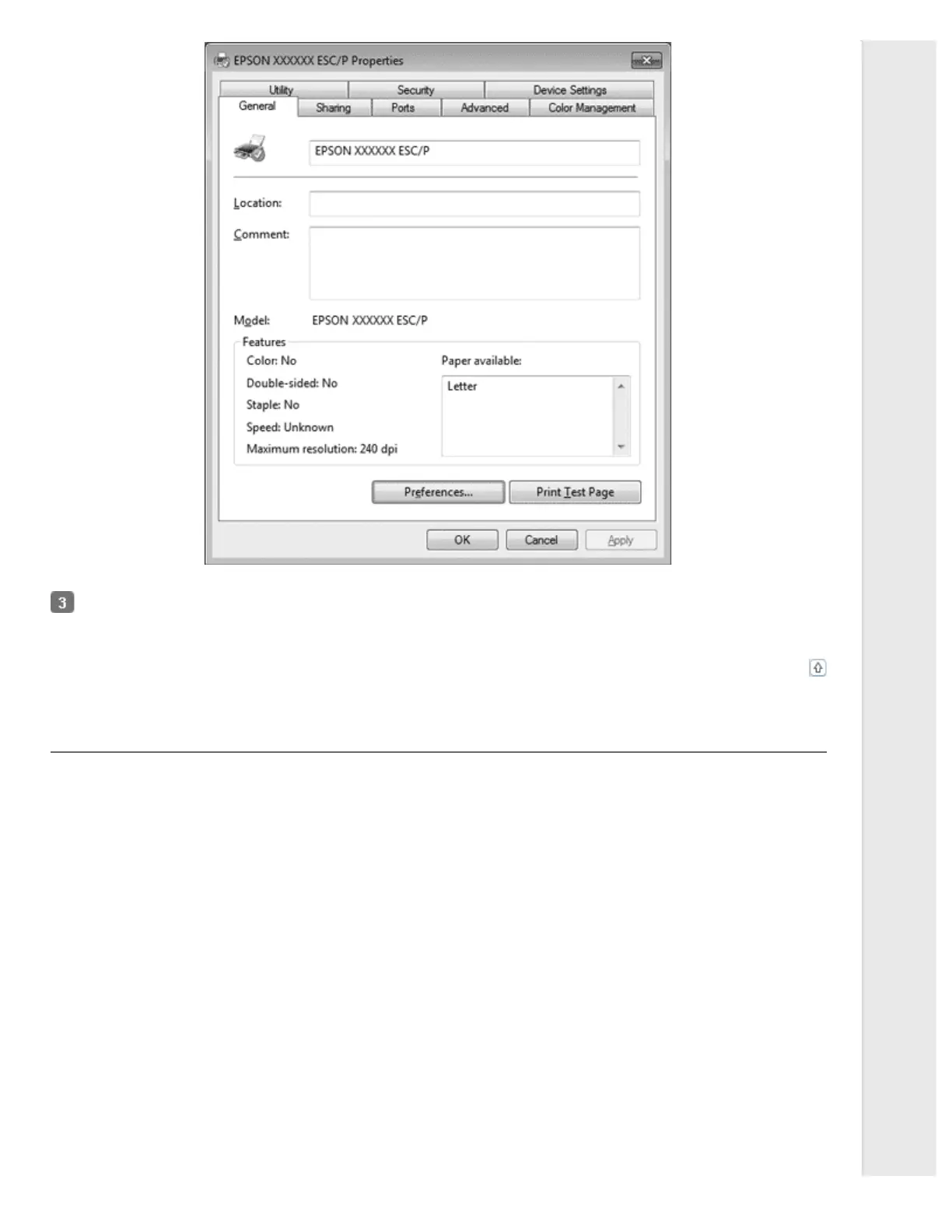
To view a menu, click the corresponding tab at the top of the window. See Printer Driver Settings Overview for
information on how to change the settings.
Top
Changing the printer driver settings
Your printer driver has four menus from which you can change the printer driver settings; Layout, Paper/Quality, User Defined
Paper, and Extension Settings. You can also change settings on the Utility menu in the printer software. For an overview of the
available settings, see Printer Driver Settings Overview. If you are using Windows XP or 2000, you can also view online help
by right-clicking items in the driver and selecting What’s this?.
Click the Help button on the Printer Driver screen.



 To Next Page
 Loading...













