Home > Safety
Safety Instructions
Warnings, Cautions, and Notes
Hot Parts Caution Symbol
Important Safety Instructions
For United Kingdom users
For German users
For Turkish users
For Ukrainian users
For Brazilian users
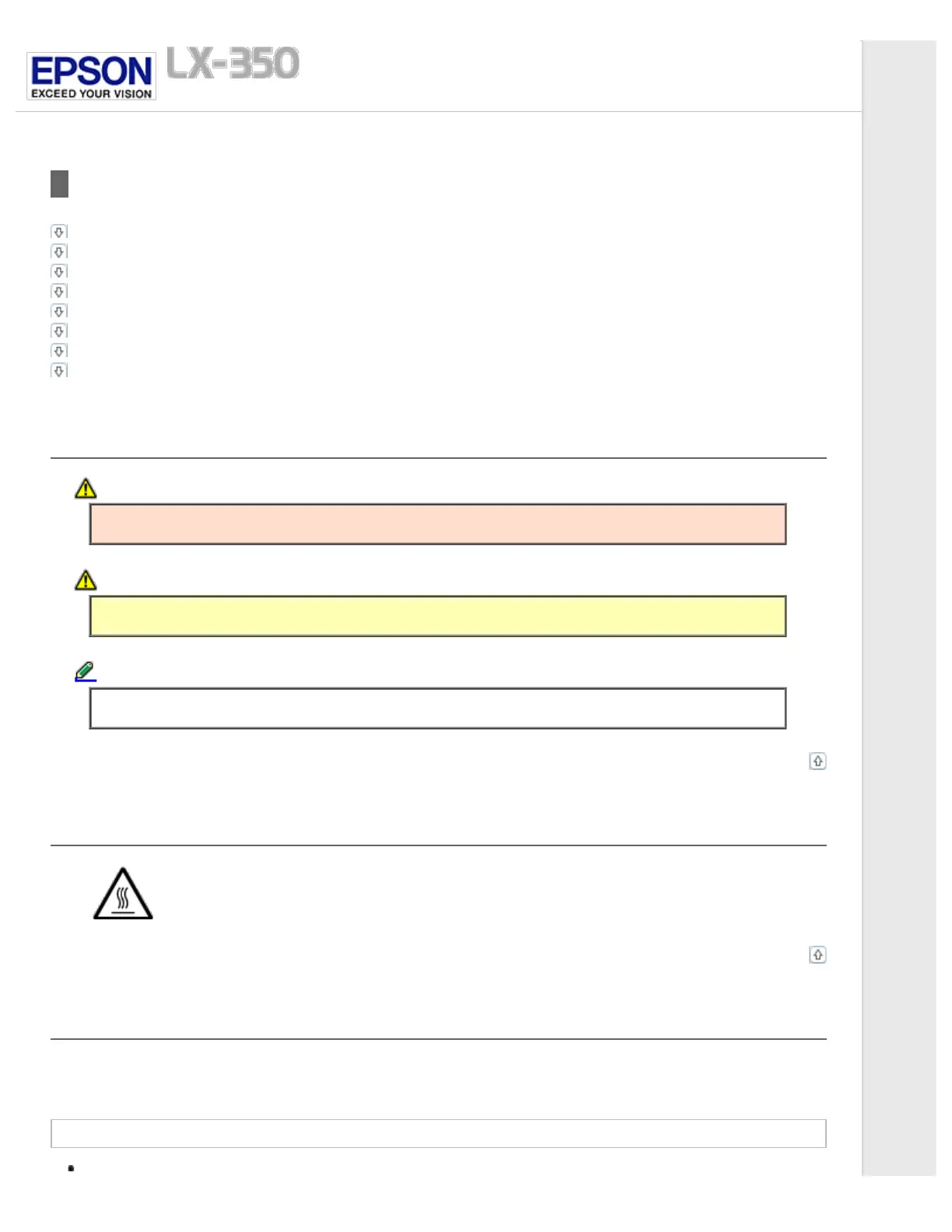
Warnings, Cautions, and Notes
Warnings
must be followed carefully to avoid bodily injury.
Cautions
must be observed to avoid damage to your equipment.
Notes
contain important information and useful tips on the operation of your printer.
Top
Hot Parts Caution Symbol
This symbol is placed on the print head and other parts to indicate that they may be hot. Never
touch those parts just after the printer has been used. Let them cool for a few minutes before
touching them.
Top
Important Safety Instructions
Read all of these safety instructions before using the printer. In addition, follow all warnings and instructions marked on the
printer itself.
When setting up the printer
Do not place the printer on an unstable surface or near a radiator or heat source.



 To Next Page