Home > Printer Software
Canceling Printing
If the printouts are not what you expected and display incorrect or garbled characters or images, you may need to cancel
printing. When the printer icon is displayed on the taskbar, follow the instructions below to cancel printing.
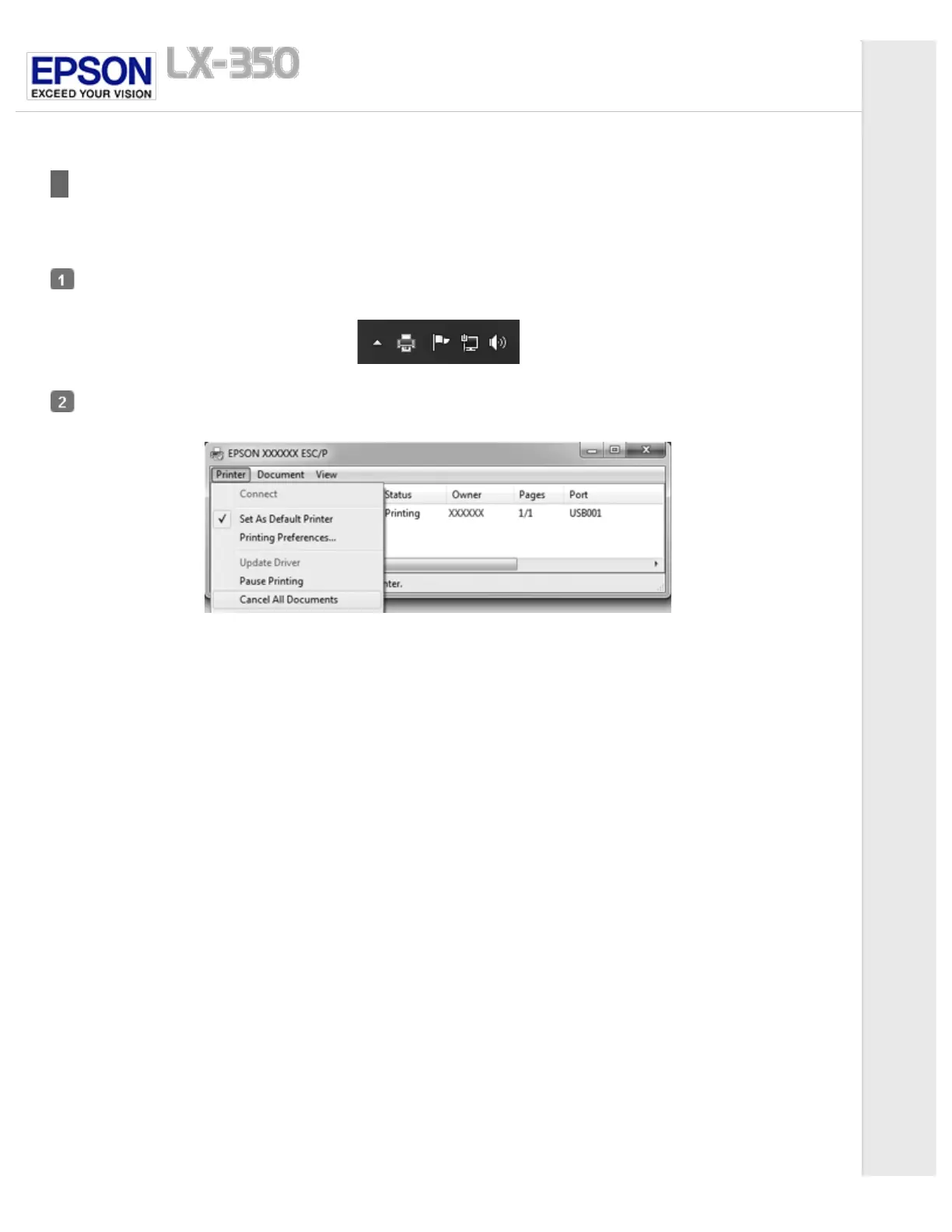
Double-click the printer icon on the task bar.
When canceling all printing documents, select Cancel All Documents on the Printer menu.
When canceling a specified document, select a document you want to cancel and select Cancel on the Document menu.
The printing job is canceled.



 To Next Page
 Loading...













