Open the Utility menu, then click the EPSON Status Monitor 3 icon. To find out how to open the Utility menu, see
Using the Printer Driver.
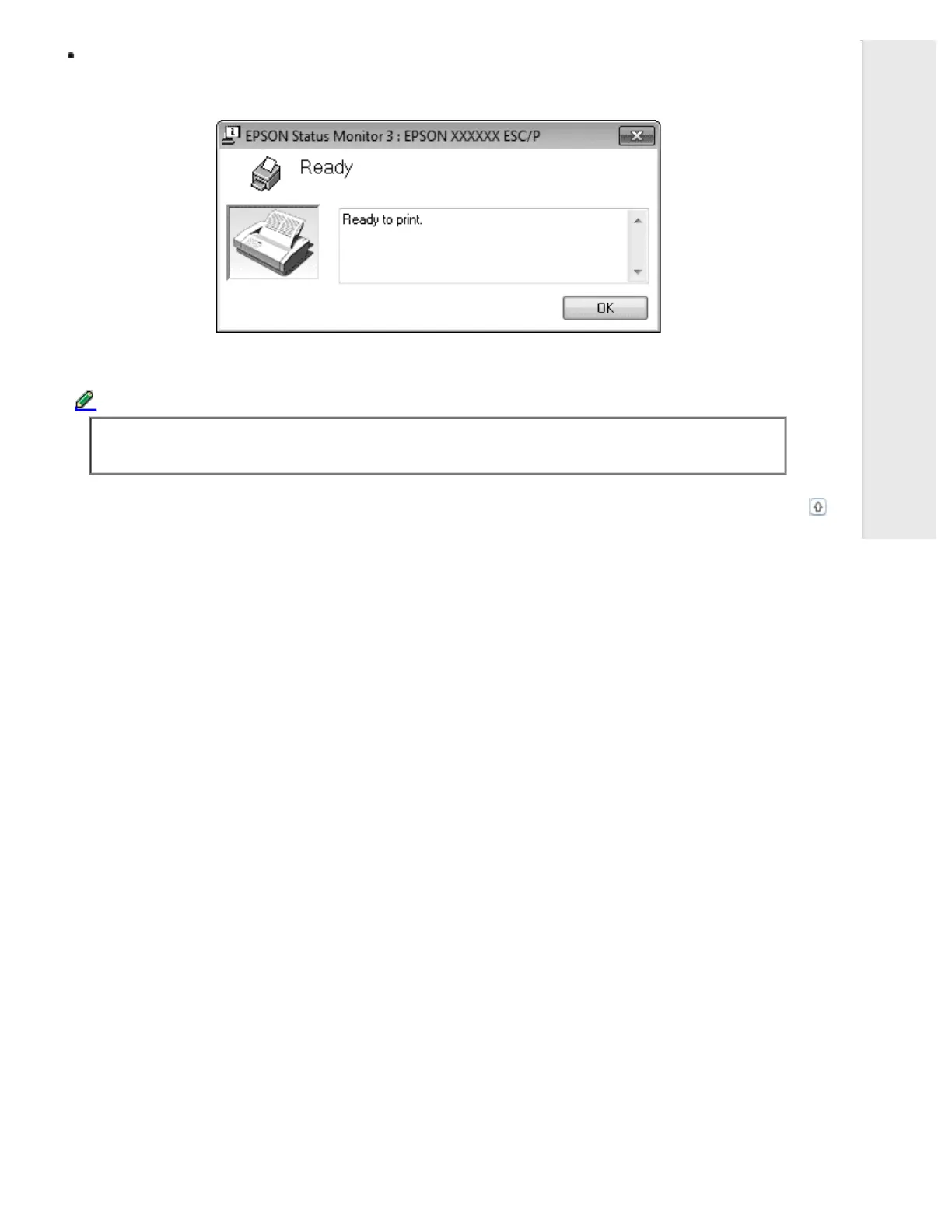
When you access EPSON Status Monitor 3 as described above, the following printer status window appears.
You can view printer status information in this window.
Note:
It might not be possible to retrieve the printer status during printing. In this situation, click the EPSON
Status Monitor 3 button in the Utility tab, and use the printer with the status window left open.
Top



 To Next Page
 Loading...













