108
5. Click Save.
Parent topic: Saving, Sharing, and Customizing the Printer Settings
Selecting Default Print Settings - Windows
When you change your print settings in a program, the changes apply only while you are printing in that
program session. If you want to change the print settings you use in all your Windows programs, you can
select new default print settings.
1. Access the Windows Desktop and right-click the product icon in the Windows taskbar.
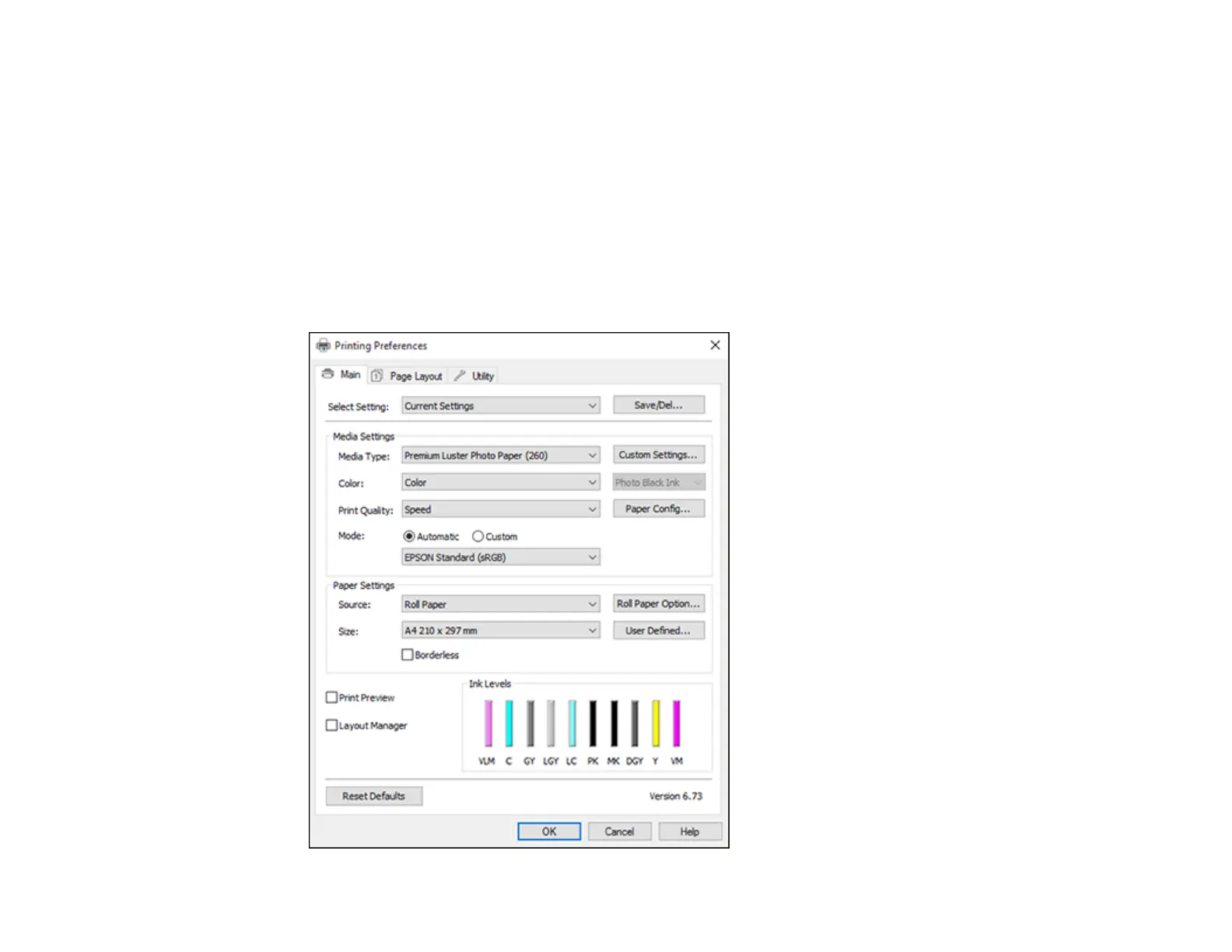
2. Select Printer Settings.
You see the printer settings window:



 To Next Page