153
Related concepts
Purchase Epson Ink Cartridges and Maintenance Boxes
Replacing Maintenance Boxes
The maintenance boxes absorb ink used in maintenance operations such as head cleaning. Replace the
maintenance boxes when you see a message on the LCD screen.
Note: Do not reuse maintenance boxes you have removed from the printer and exposed to air for a long
period of time. The box will not absorb any more ink.
1. Check the LCD screen to determine which maintenance box needs to be replaced.
2. Turn off your product.
3. Remove the new maintenance box from the package.
Caution: Do not touch the chip on the side of the maintenance box or you may damage the product.
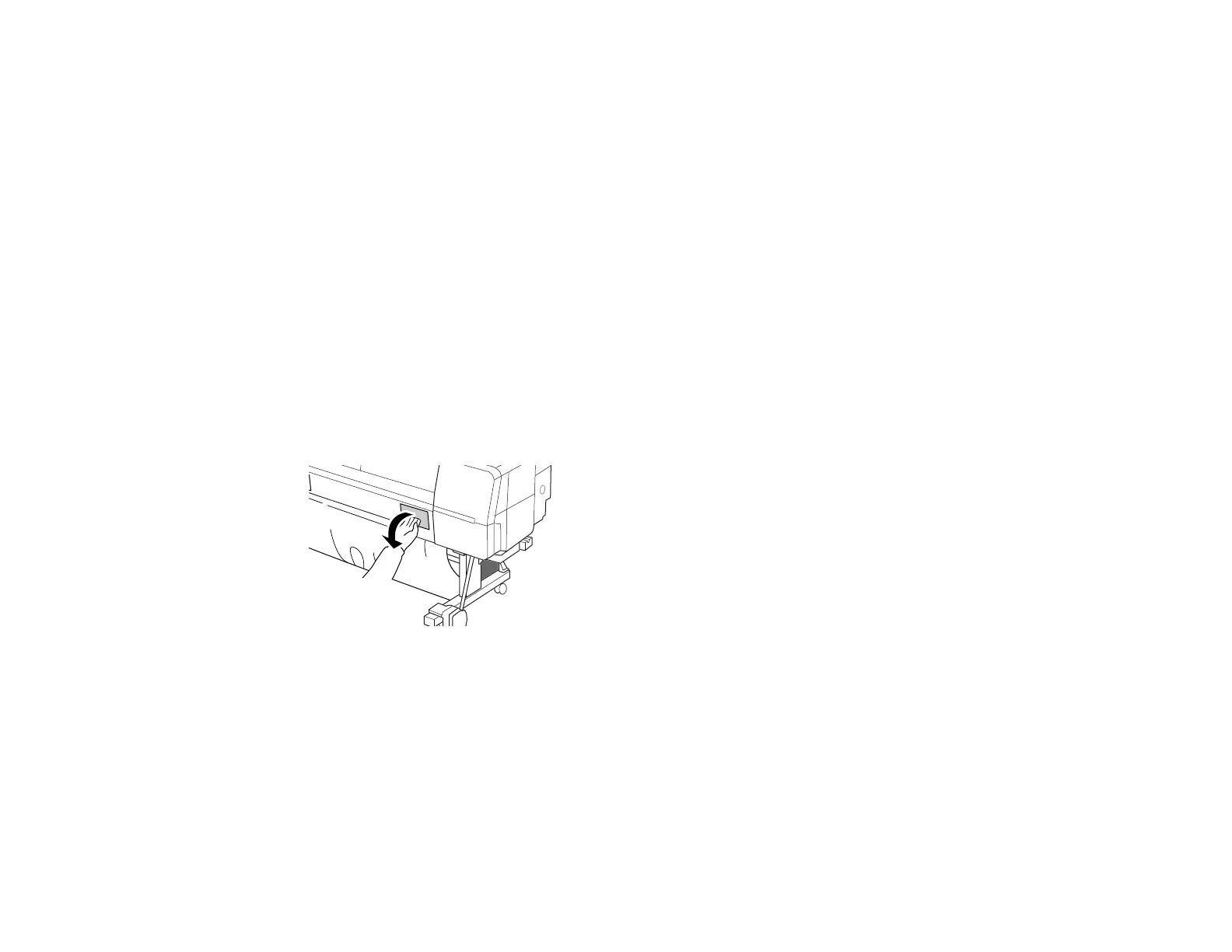
4. Open the maintenance box cover.



 To Next Page