c
Important:
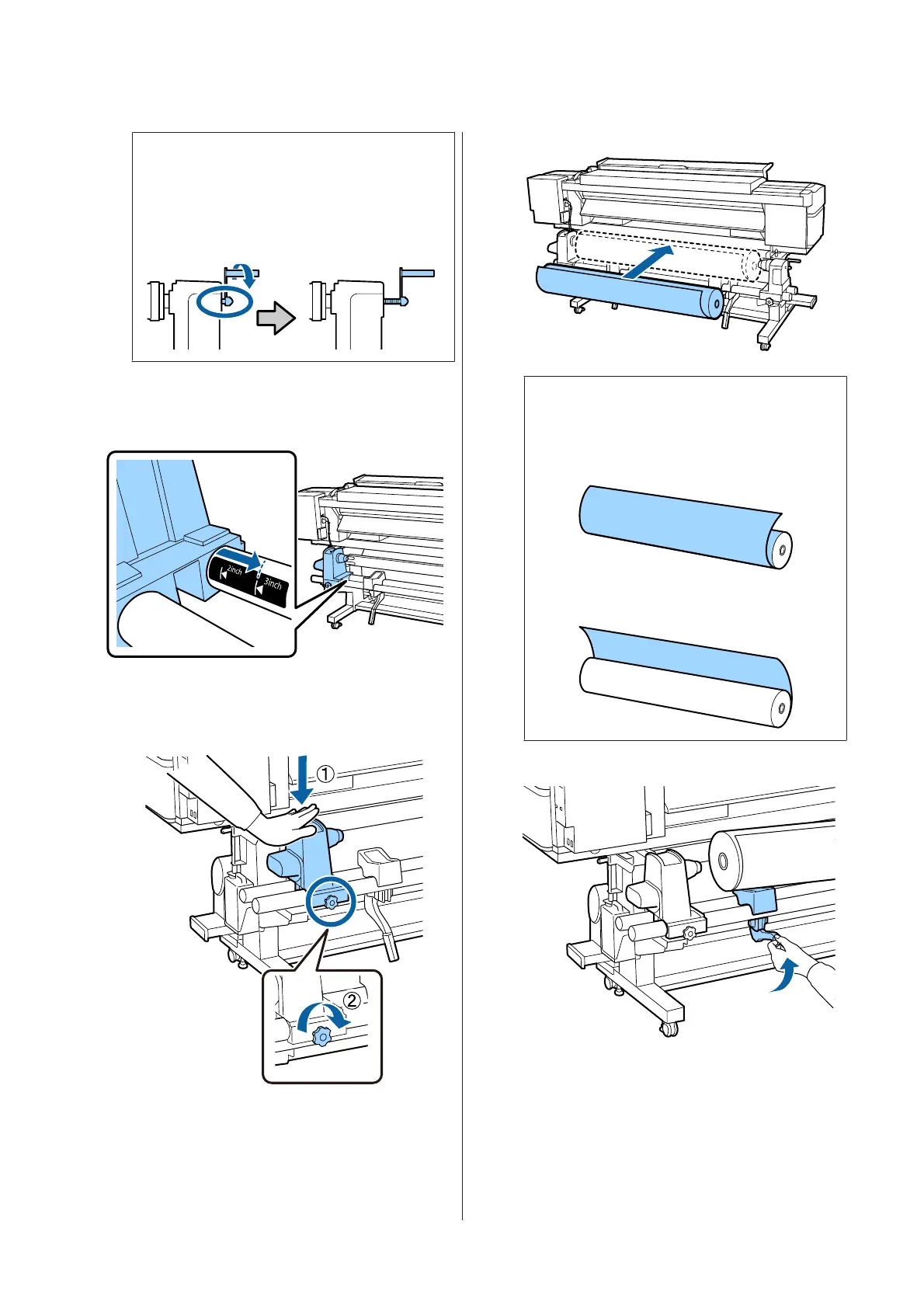
If the right holder handle shaft is not visible,
rotate the handle forward until it stops. The
media can not be properly loaded if the
handle shaft is not visible.
E
Move the roll holder to the set position
according to the inner diameter of the roll of
the media that will be loaded.
F
While pressing from the top of the roll holder,
tighten the fixing screw until it no longer turns.
Tighten it so the roll holder does not move.
G
Note:
The method of placing the roll media varies as
follows depending on how media is rolled.
Printable Side Out
Printable Side In
H
SC-F9300 Series User's Guide
Basic Operations
28



 To Next Page
 Loading...







