O Maintenance cover (right)
Open this cover to clean the area around the caps. Normally closed when using the printer.
U “Cleaning Around the Caps” on page 63
P Media loading lever
After loading media, lower the media loading lever to keep the media in place. Raise the lever to release the
media prior to removal.
Q Alert lamp
This lamp lights or flashes when an error occurs.
Light/Flash : An error occurred. The type of error is indicated by how the lamp lights or flashes. Check the
contents of the error on the control panel's screen.
Off : No error.
R Control panel
U “Control panel” on page 12
S Front cover
Open when loading media, cleaning the inside of the printer, or removing jammed media. Normally closed
when using the printer.
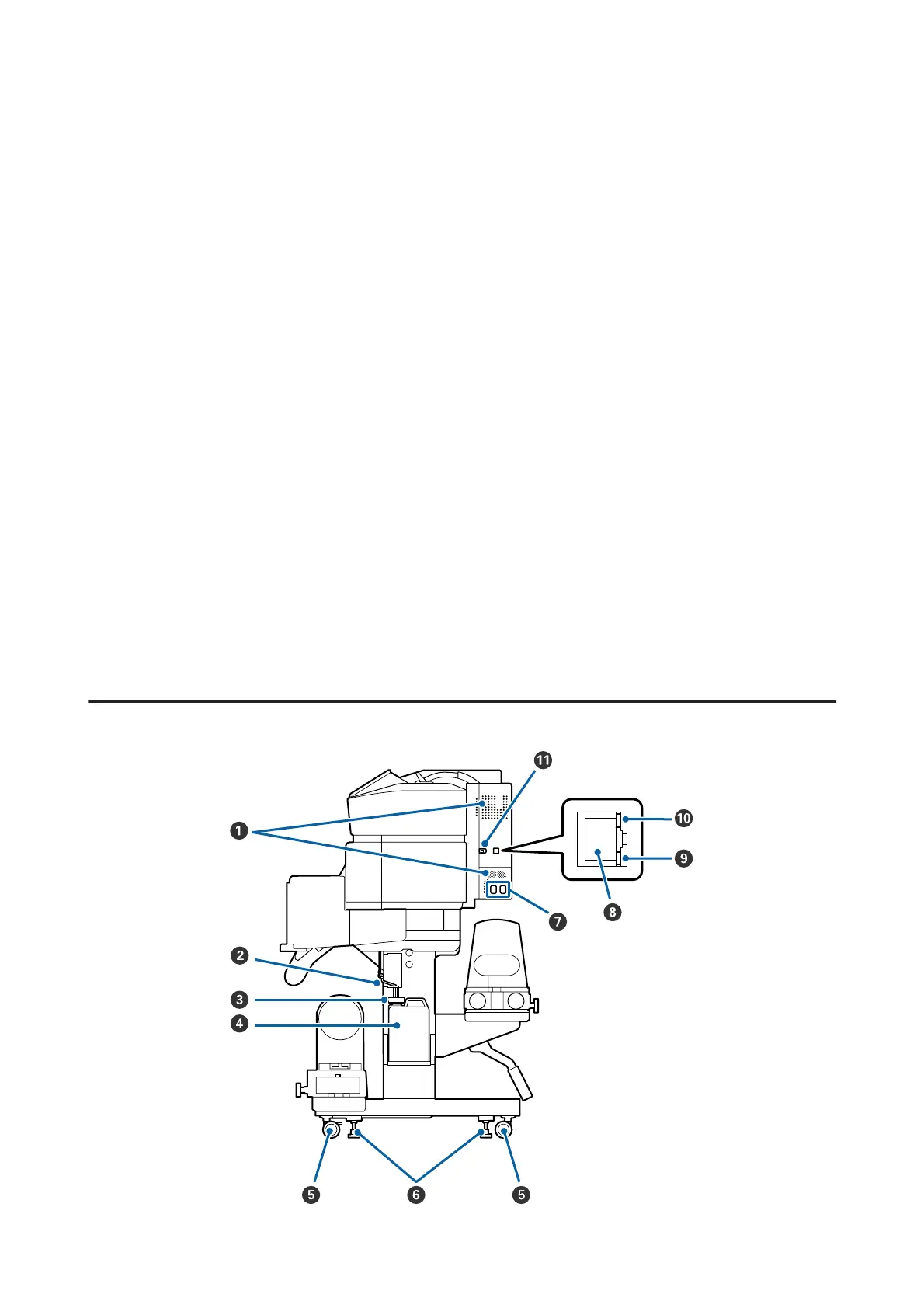
Right view
SC-F9300 Series User's Guide
Introduction
7



 To Next Page
 Loading...







