48
Chapter 4
Using the Interval Function
· It usually takes within two minutes to complete a GPS search. If the GPS search does not
nish after three minutes or more, you may be in an environment where GPS signals
cannot be received. Select [Cancel] to stop the search, and then try again in another
location.
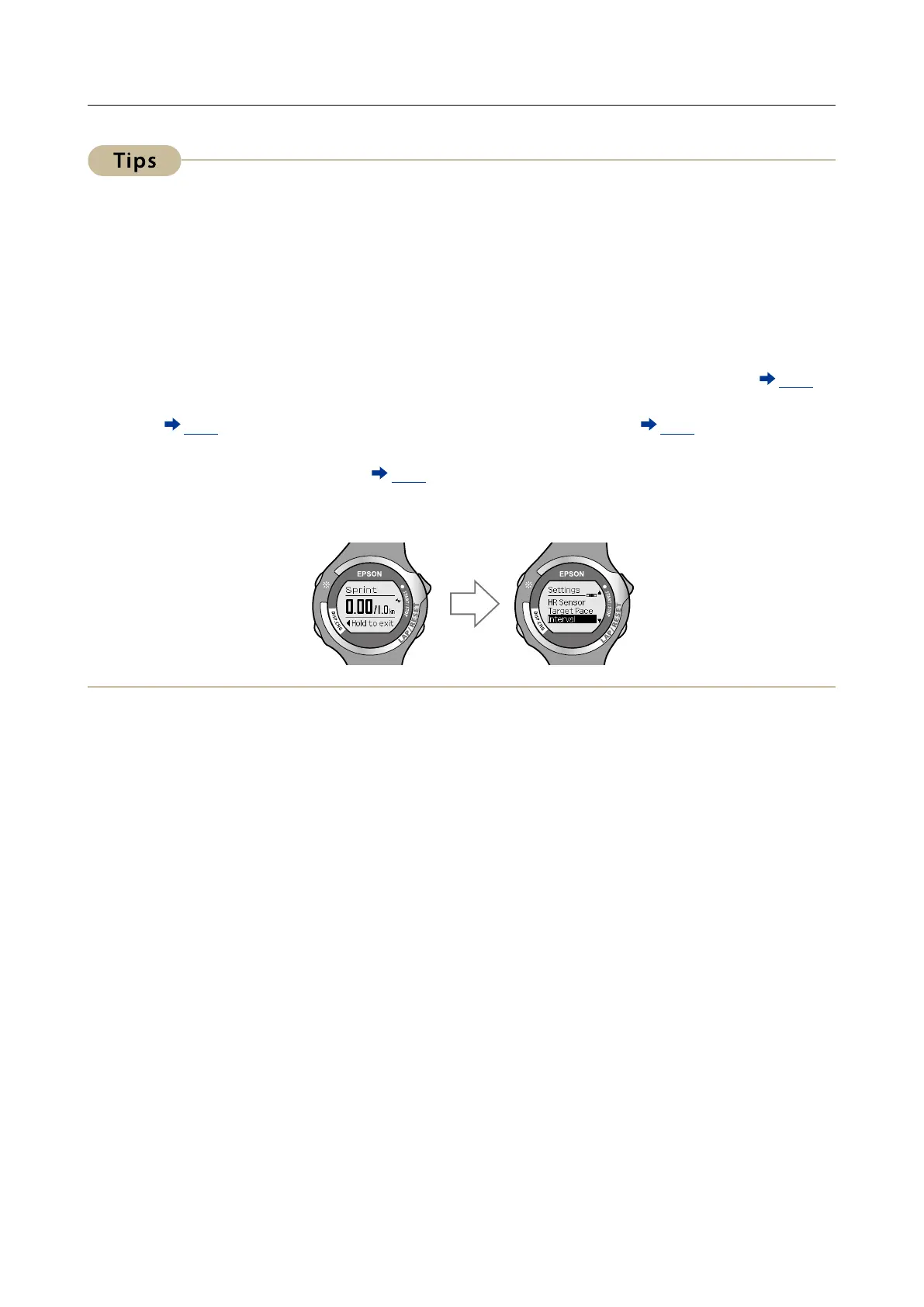
· If the GPS search does not nish after 10 minutes, the search is stopped and the [Menu]
screen is displayed.
· If you select [GPS o] on the [Searching] screen, the GPS sensor turns o which allows you
to use the interval function. However, measurement items are limited at this time (
P. 21).
When [GPS o] is selected, distance is not measured. Set the length of time for sprint/
rest ( P. 44). For SS-700/SS-500, when the stride sensor is enabled ( P. 59), you can set the
sprint/rest length for Distance.
· See "Setting GPS (GPS search)" (
P. 24) for more details on making a GPS search.
· If 60 minutes pass without any measurements being made (if the device is stopped or
before measuring), the [Menu] screen is displayed.



 To Next Page