82
Chapter 8
About Settings
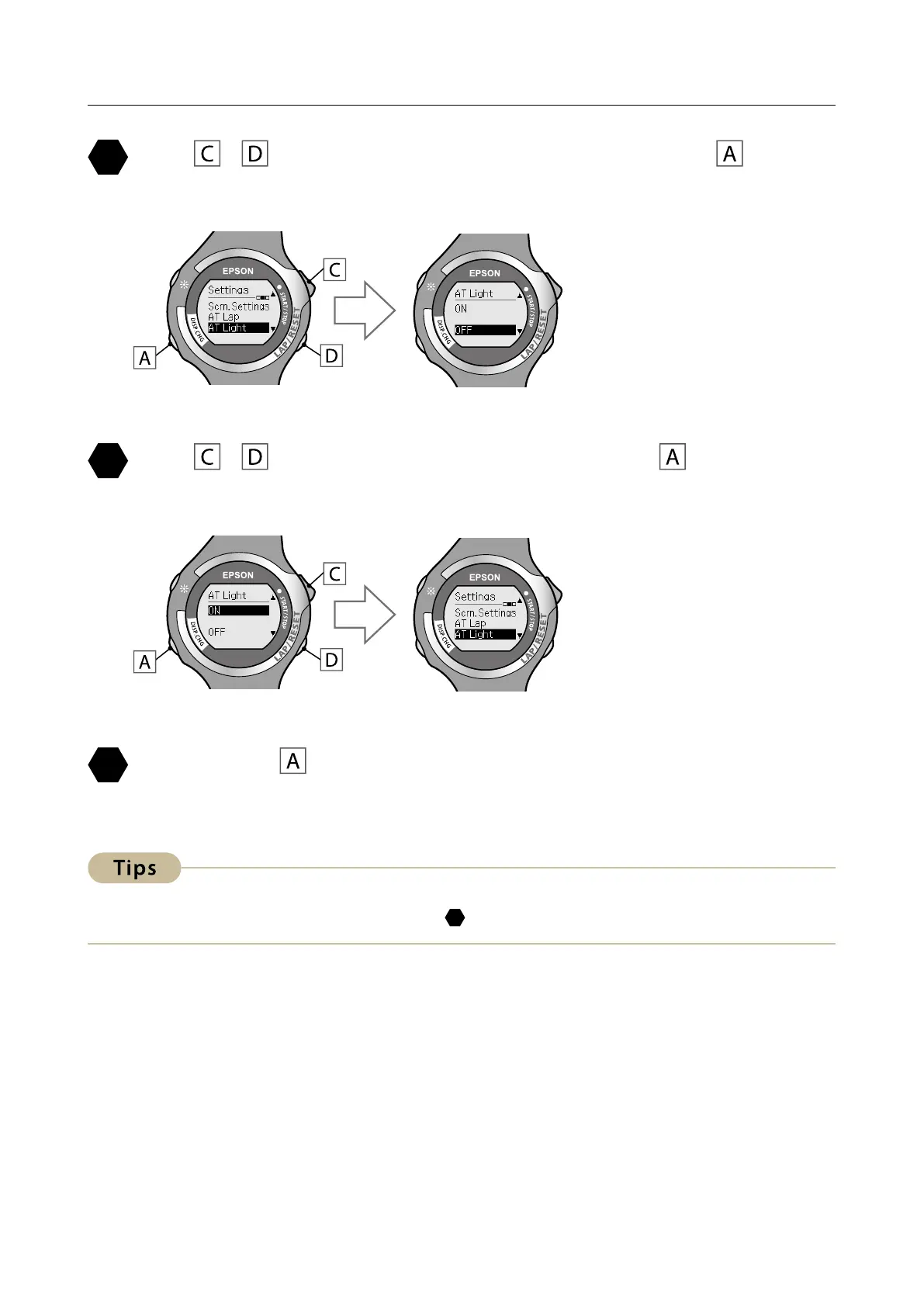
Use / to highlight [AT Light], and then press .
The [AT Light] settings screen is displayed.
Use / to highlight [ON], and then press .
After conrming the selection, the [Settings] screen is displayed.
Hold down for at least two seconds to return to the
[Menu] screen.
To turn this function o, select [OFF] in step
.



 To Next Page