219
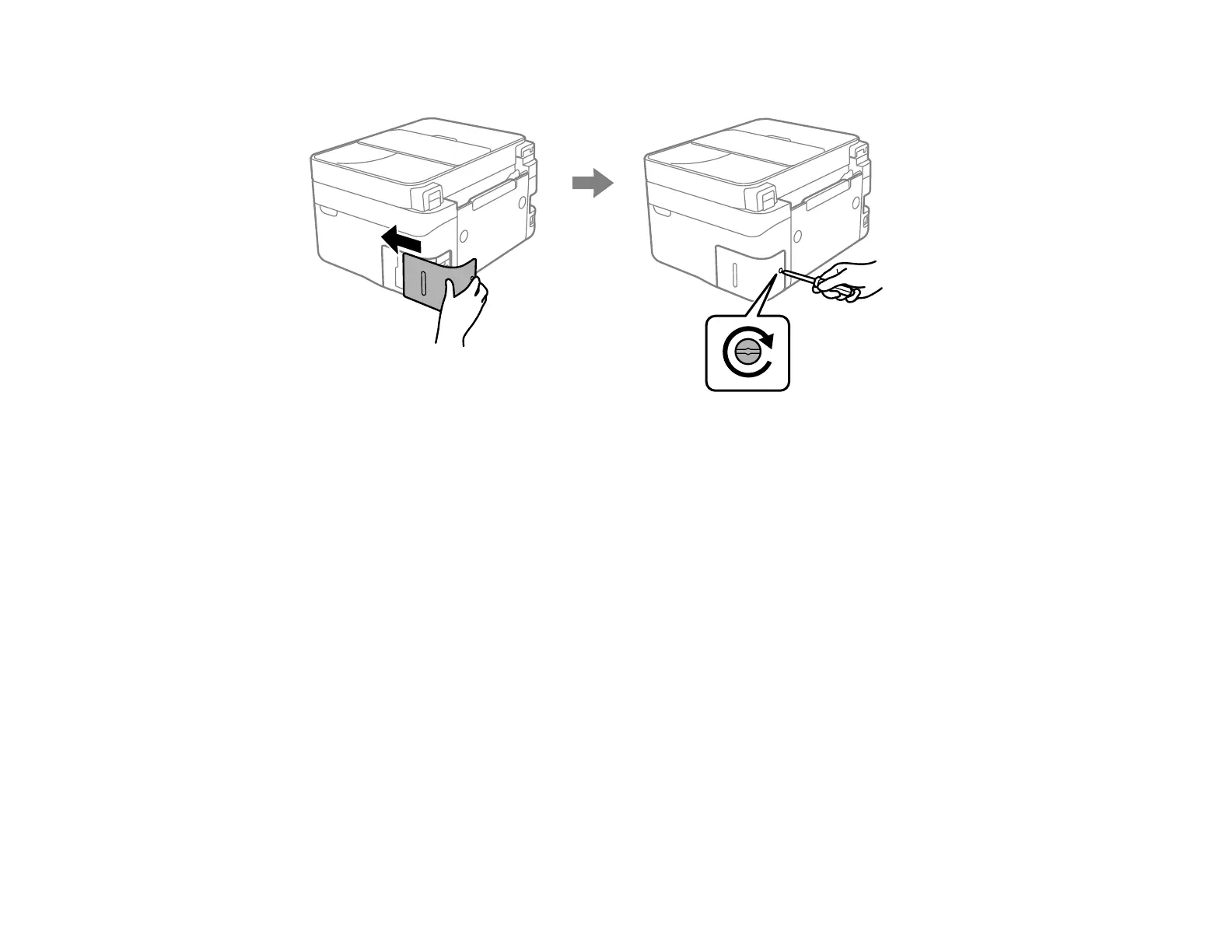
7. Insert the maintenance box cover and tighten the screw to secure the cover.
If you cannot re-attach the cover, the maintenance box may not be installed correctly. Remove and
re-install the maintenance box.
Parent topic: Replacing Ink Cartridges and Maintenance Boxes
Related concepts
Purchase Epson Ink Cartridges and Maintenance Box















 To Next Page