245
Caution: Do not touch the flat white cable inside the product and do not put tape on the flat white
cable; otherwise, you may damage your product.
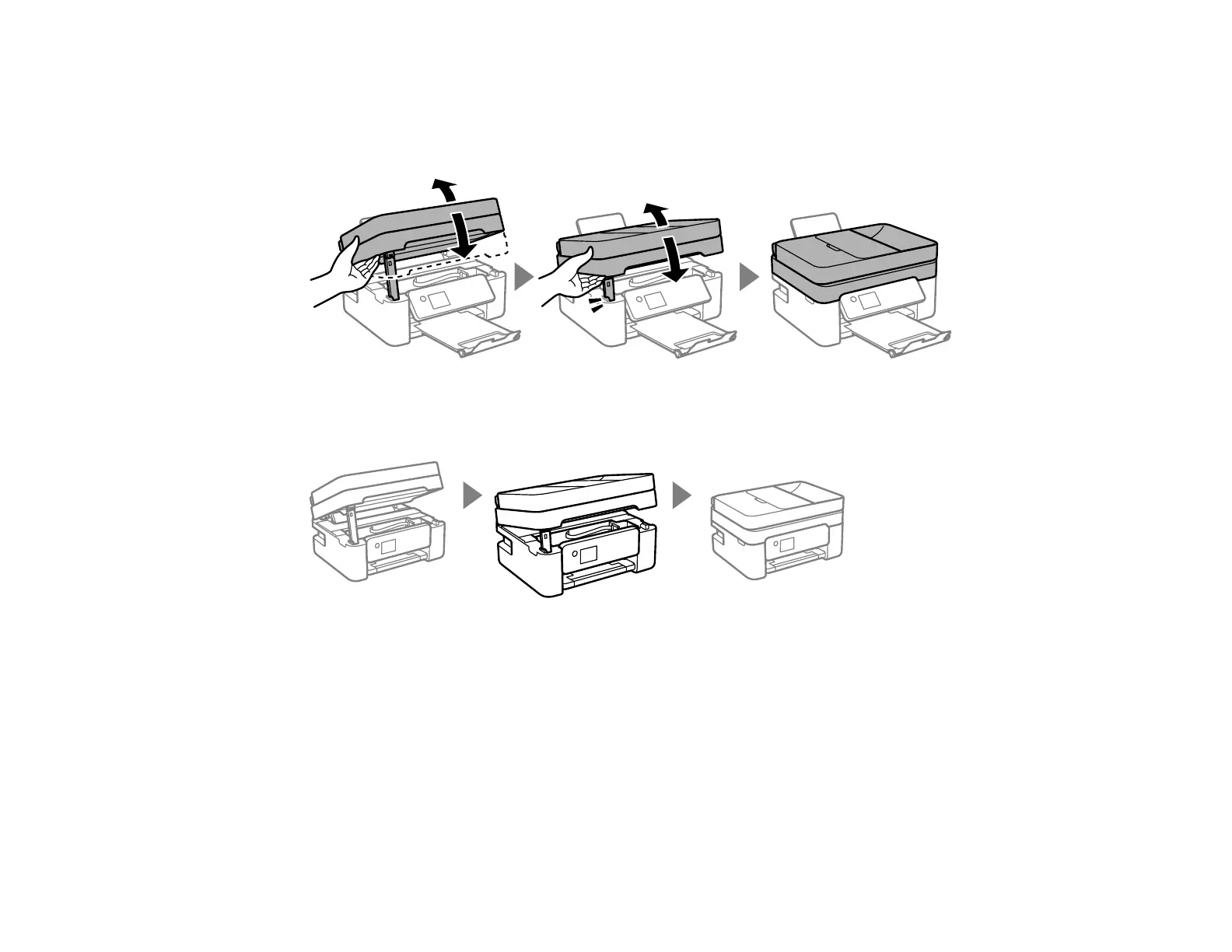
7. Close the scanner unit.
Note: The scanner unit cannot be opened from the position shown below. Close it completely before
operating your product or opening the scanner unit again.















 To Next Page