1. Place your original on the product for faxing.
2. Press the home button, if necessary.
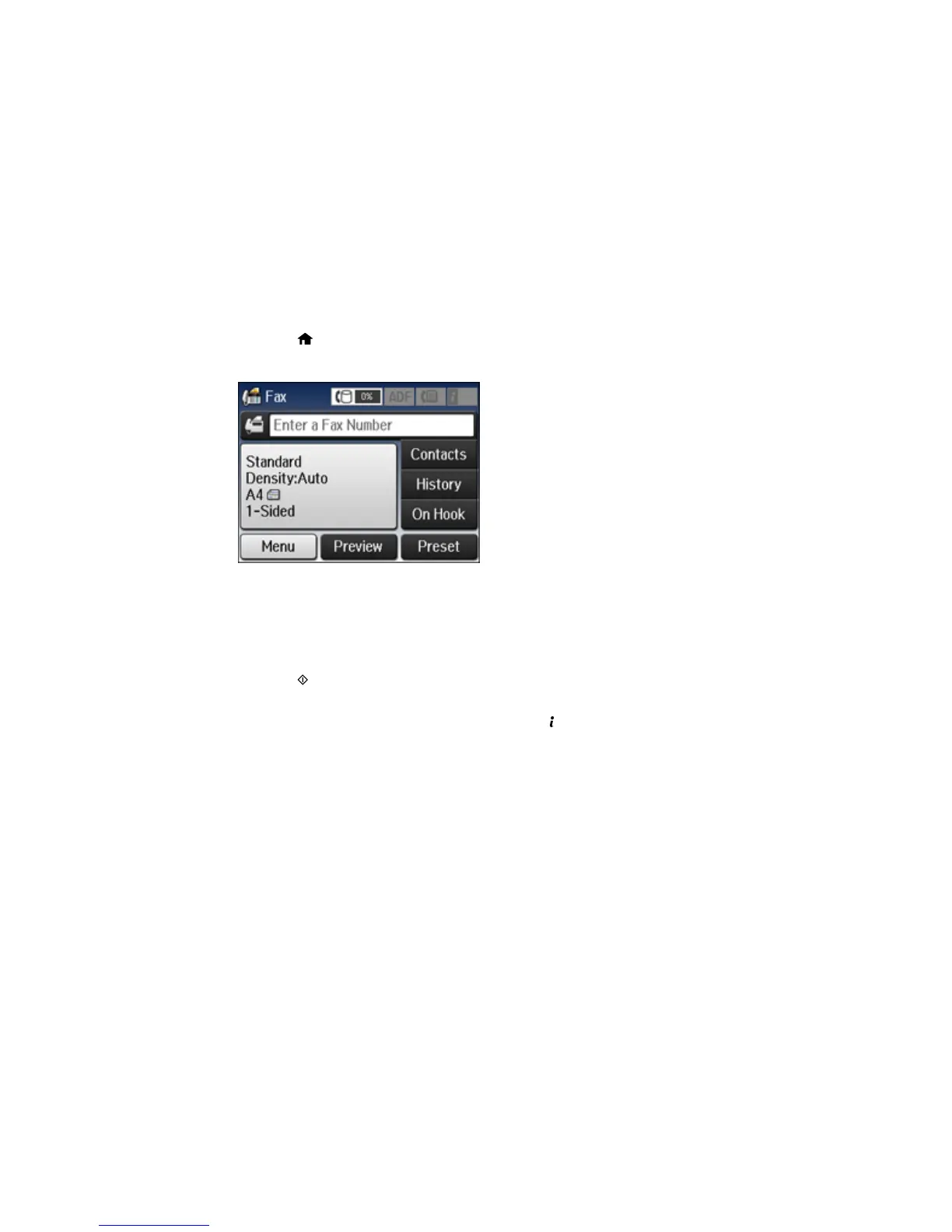
3. Select Fax.
4. Select Menu.
5. Select Store Fax Data and select On.
6. If you need to change any fax settings, select Menu, select Fax Send Settings, and select your
settings.
7. Press the B&W button.
Your document is scanned, stored, and briefly previewed.
8. When you are ready to send the document, press the Status button.
204












 To Next Page