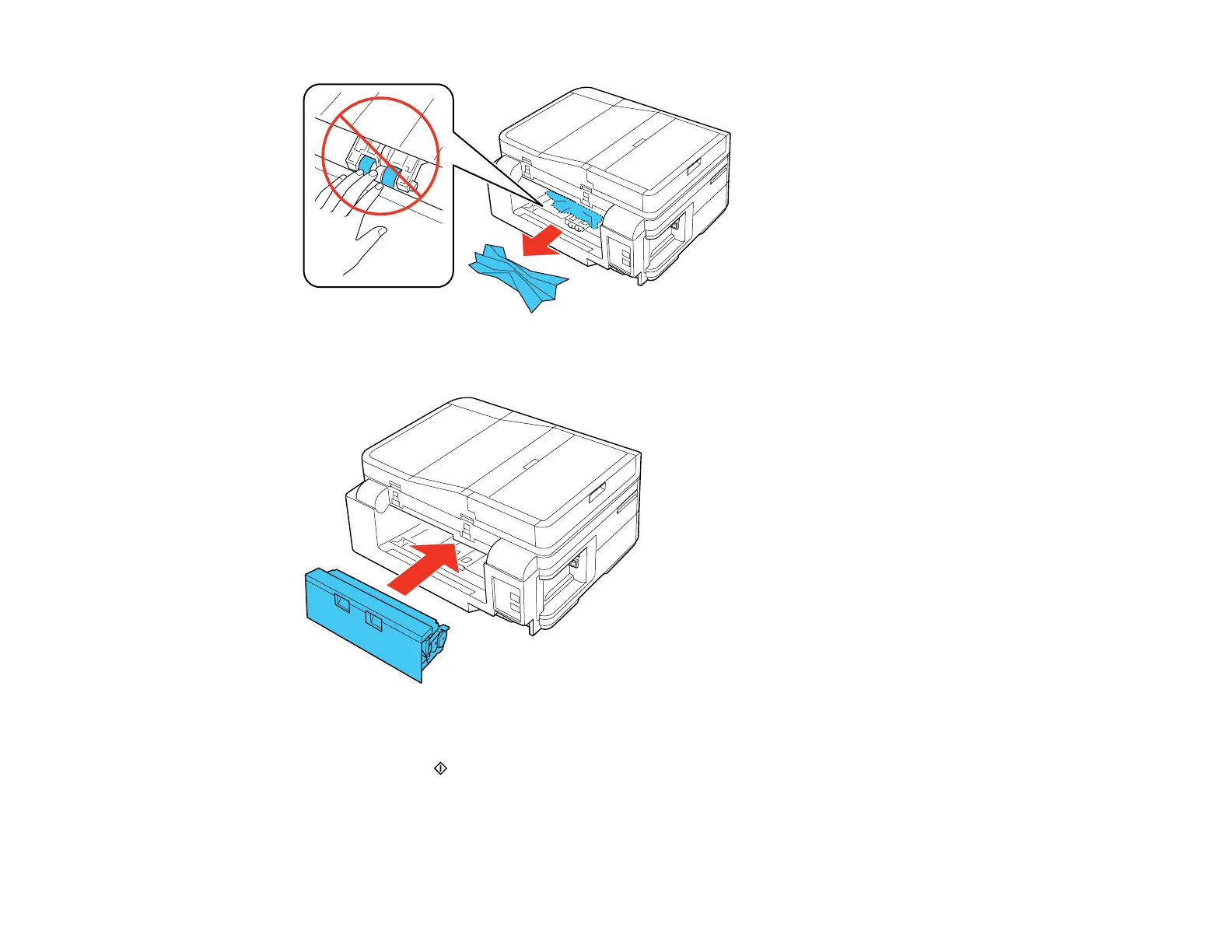
8. Reattach the rear cover.
9. Lower the scanner unit.
10. Press one of the Start buttons to resume printing. If you still see a paper jam message, check the
other paper jam solutions.
11. Carefully follow all paper loading instructions when you load new paper.
Parent topic: Solving Paper Problems
283














 To Next Page