Note:
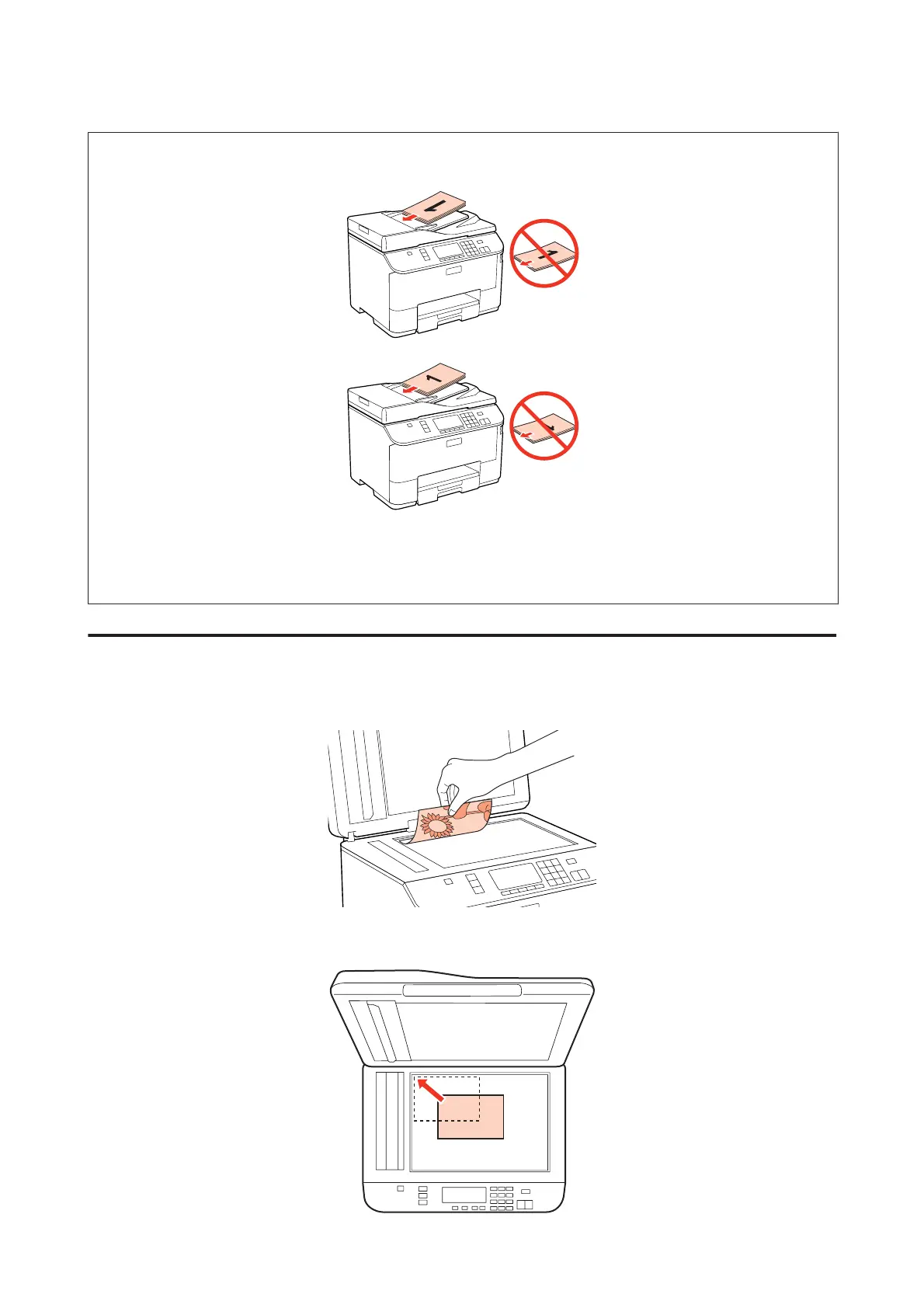
❏ For 2-up Copy layout, place the original as shown.
❏ When you use the copy function with the Automatic Document Feeder (ADF), the print settings are fixed at Reduce/
Enlarge - Actual Size, Paper Type - Plain Paper, and Paper Size - A4. The print is cropped if you copy an original larger
than A4.
Document glass
A
Open the document cover and place your original face-down on the document glass.
B
Slide the original to the corner.
WP-4511/4515/4521/4525/4530/4531/4535/4540/4545 User’s Guide
Paper Handling
35









 To Next Page