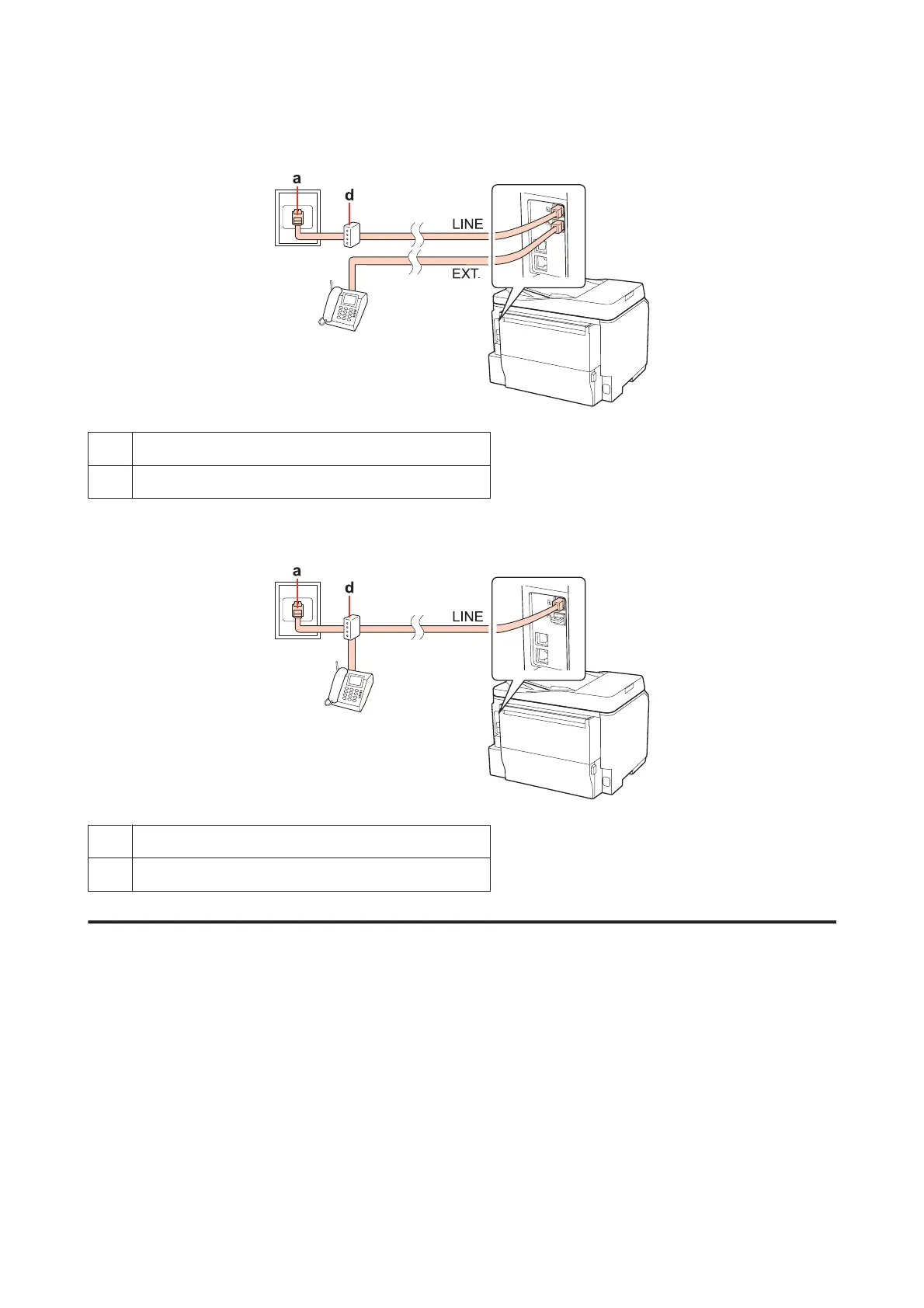
Connecting to ISDN (one phone number)
aISDN wall jack
d Terminal adapter or ISDN router
Connecting to ISDN (two phone numbers)
aISDN wall jack
d Terminal adapter or ISDN router
Checking the fax connection
Follow the instructions below to check the fax connection. Use the l, r, u, or d buttons to change the LCD screen view
to find the menu, setting item, or option you want to enter.
A
Load A4-size plain paper.
& “Loading Paper” on page 25
B
Enter F Setup mode.
C
Select Fax Settings.
WP-4511/4515/4521/4525/4530/4531/4535/4540/4545 User’s Guide
Faxing
99









 To Next Page