C
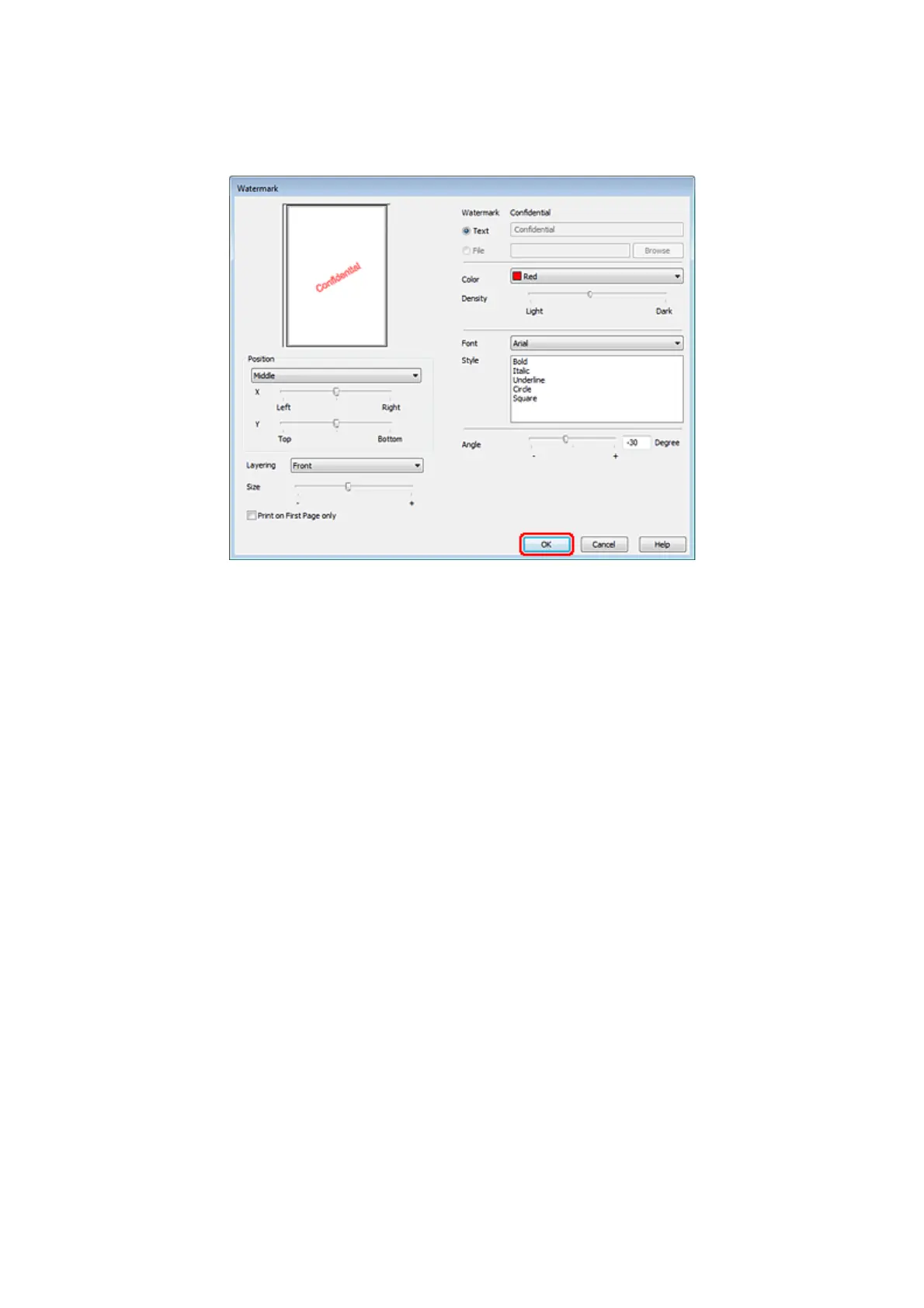
Specify the settings you want for the watermark.
D
Click OK to return to the More Options window.
E
Click OK to close the printer settings window.
After completing the steps above, print one test copy and examine the results before printing an entire job.
Sharing Your Printer
You can set up your printer so other users on the network can share it.
First you will set up the printer as a shared printer on the computer directly connected to it.
Then you will add the printer to each network computer that will access it.
See your Windows or Macintosh documentation for details.
WP-4511/4515/4521/4525/4530/4531/4535/4540/4545 User’s Guide
Printing
66









 To Next Page