E
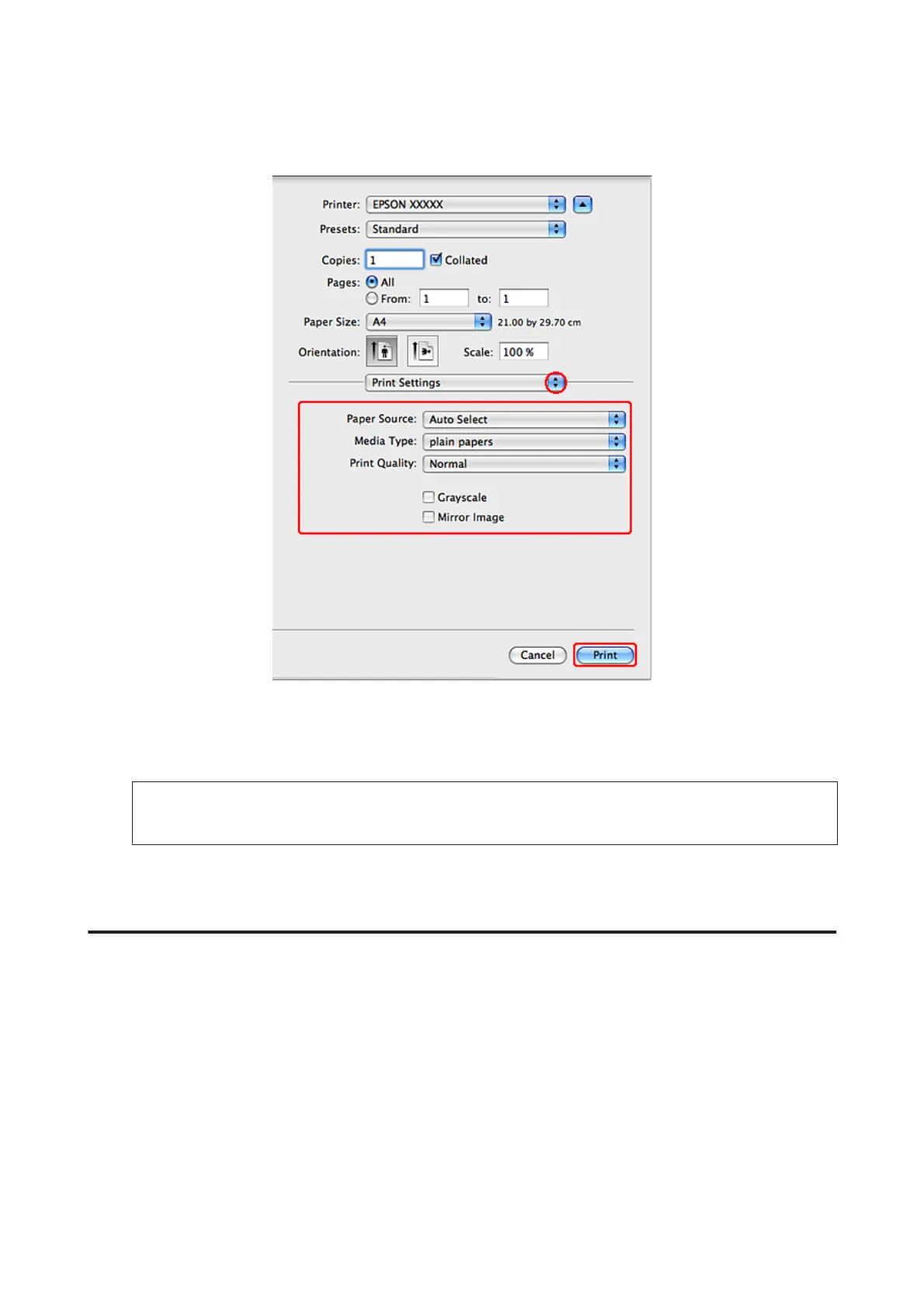
Select Print Settings from the pop-up menu.
F
Make the settings that you want to use to print. See the online help for more details on Print Settings.
& “Selecting the correct paper type ” on page 39
Note:
To make changes to advanced settings, refer to the relevant section.
G
Click Print to start printing.
Basic printer settings for Mac OS X 10.4
A
Open the file you want to print.
WP-4511/4515/4521/4525/4530/4531/4535/4540/4545 User’s Guide
Printing
43









 To Next Page