B
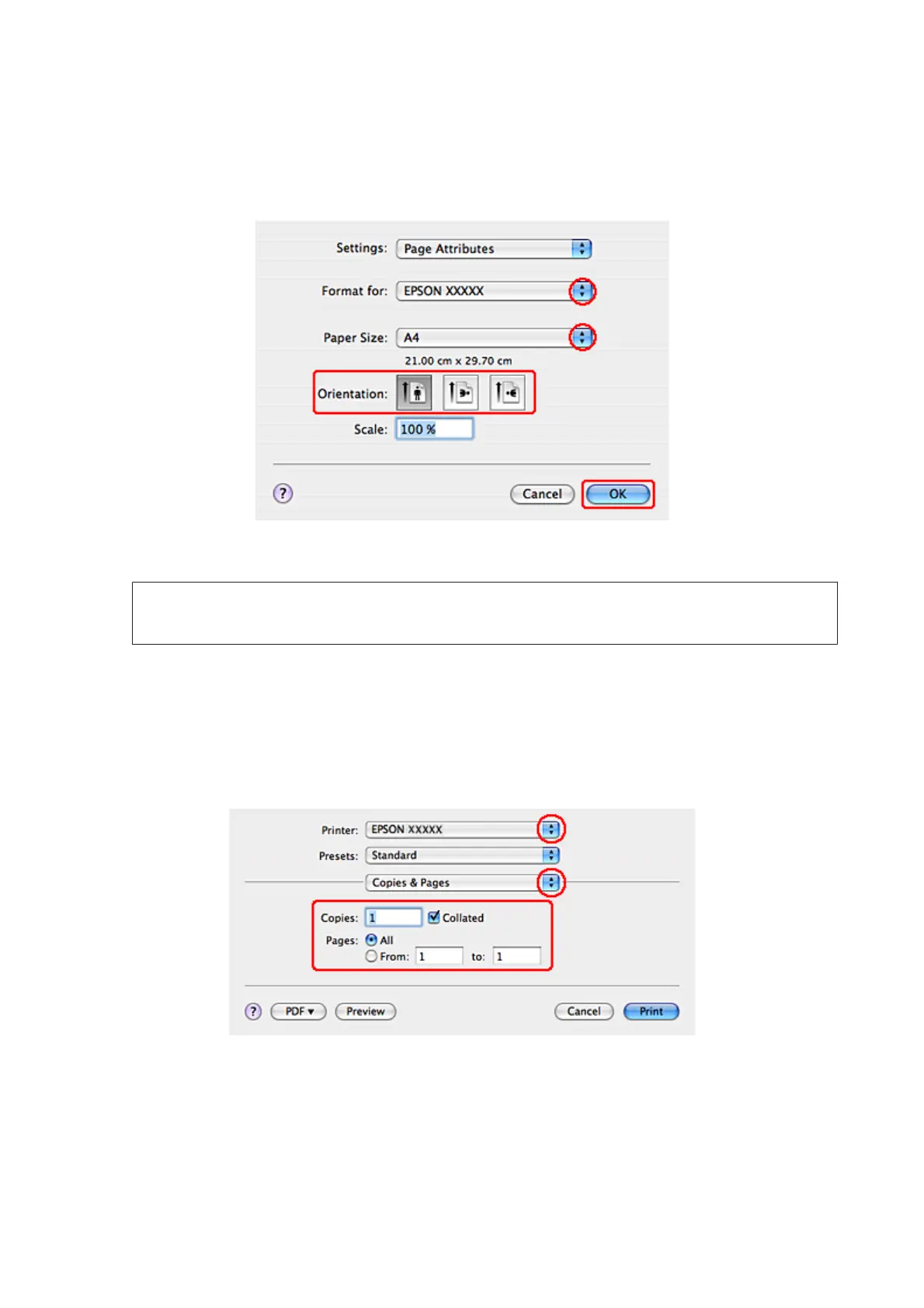
Access the Page Setup dialog.
& “Accessing the printer driver for Mac OS X” on page 38
C
Select the printer you are using as the Format for setting and then make suitable settings.
Note:
Select Landscape when printing on envelopes.
D
Click OK to close the Page Setup dialog.
E
Access the Print dialog.
& “Accessing the printer driver for Mac OS X” on page 38
F
Select the printer you are using as the Printer setting. Then make the Copies & Pages settings.
WP-4511/4515/4521/4525/4530/4531/4535/4540/4545 User’s Guide
Printing
44









 To Next Page