B
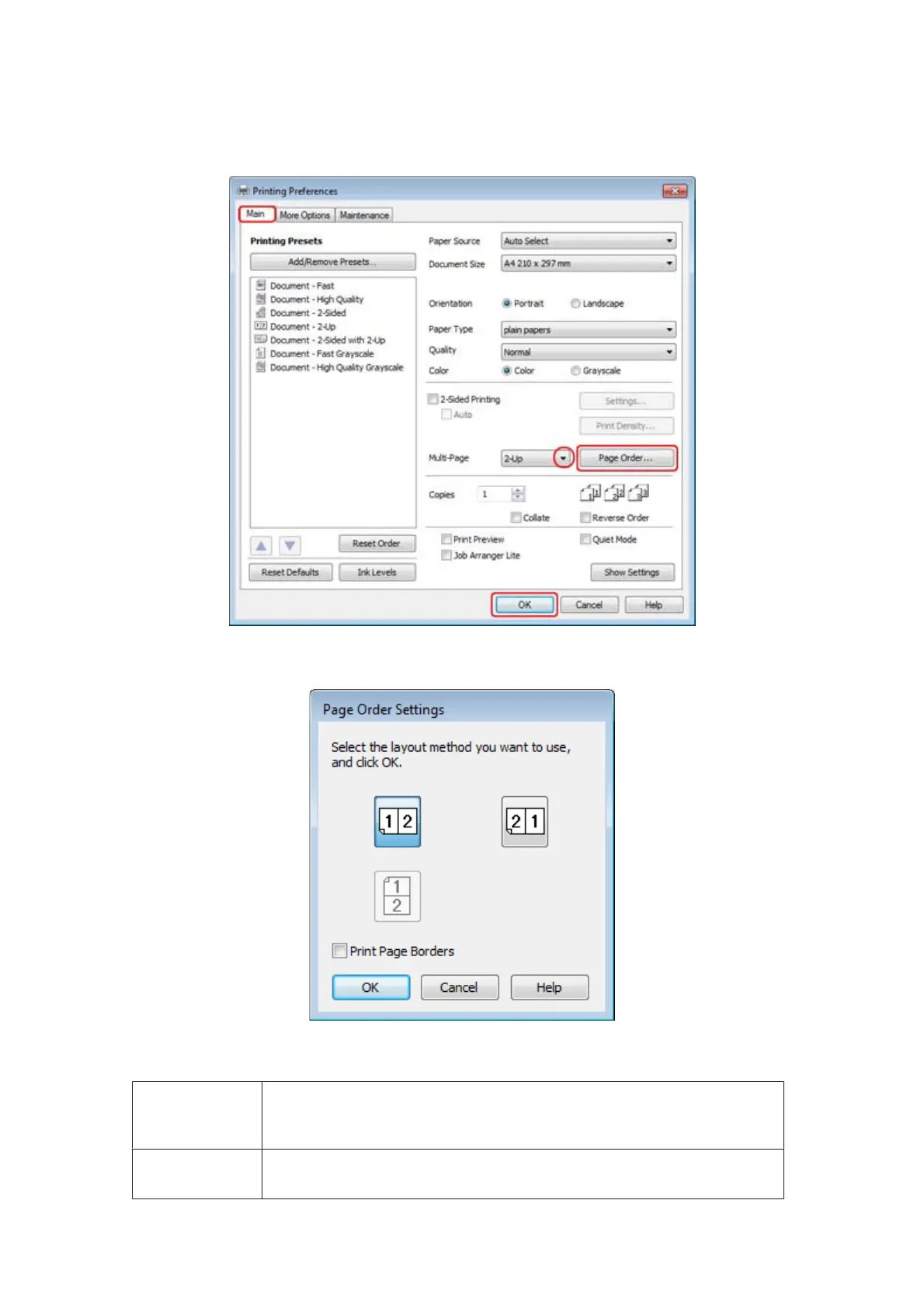
Select 2-Up or 4-Up as Multi-Page.
C
Click Page Order button to open the Page Order Settings window.
D
Select from the following settings.
Page Order
Allows you to specify the order in which the pages will be printed on the sheet of paper.
Some settings may be unavailable, depending on the Orientation setting on the Main
window.
Print Page
Borders
Prints frames around the pages printed on each sheet.
WP-4511/4515/4521/4525/4530/4531/4535/4540/4545 User’s Guide
Printing
58









 To Next Page