C
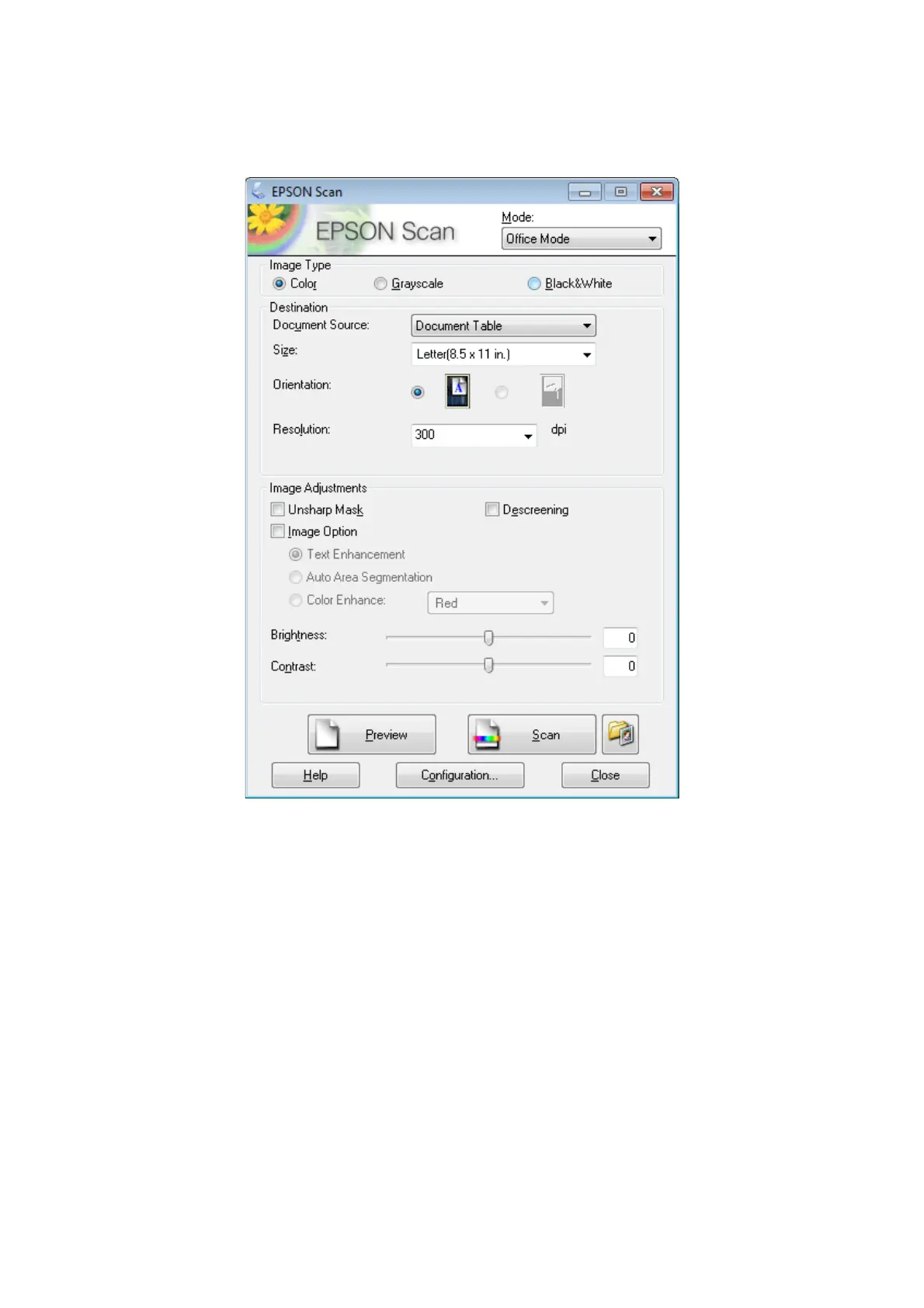
Select Office Mode from the Mode list.
D
Select the Image Type setting.
E
Select the Document Source setting.
F
Select the size of your original as the Size setting.
G
Select an appropriate resolution for your original(s) as the Resolution setting.
H
Click Scan.
WP-4511/4515/4521/4525/4530/4531/4535/4540/4545 User’s Guide
Scanning
76









 To Next Page