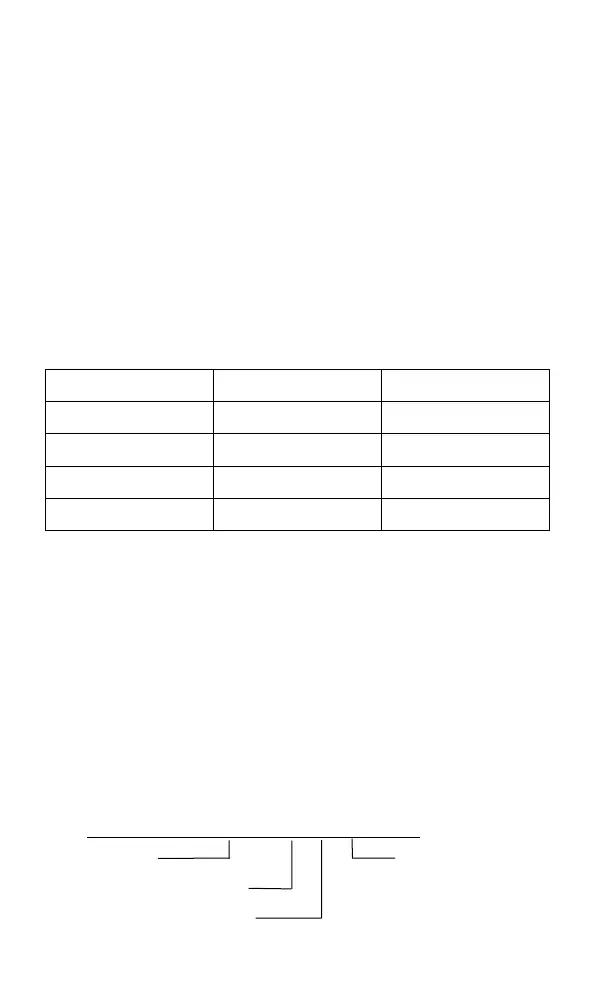
In the barcode output, the comprehensive output will be
set according to the local and global user, and the
judgment conditions are as follows:
If a certain type of editing (such as adding characters
before the barcode) has a local setting, but also a global
setting, the output is only output in a local setting way.
If there is no local setting but a global setting, output
by global setting, for example: barcode type is CODE128,
parsed to character 1234. concrete
Refer to Table 4 below.
Table 4
With the above foundation, a total of 9 setting methods
are provided.
(1) Filter out the barcode before the specified
character
For example, if the resolved barcode data is
ABC1234DEFG and the specified character is 1234, the
character before it will not be output, and the output
result is 1234 DEFG.
Barcode production: 02000000 00 3 123
The leading command


 To Next Page