When this setting barcode is generated with the barcode
generation software, the selection code class is CODE128
and the data source is ^ 302000000003123.
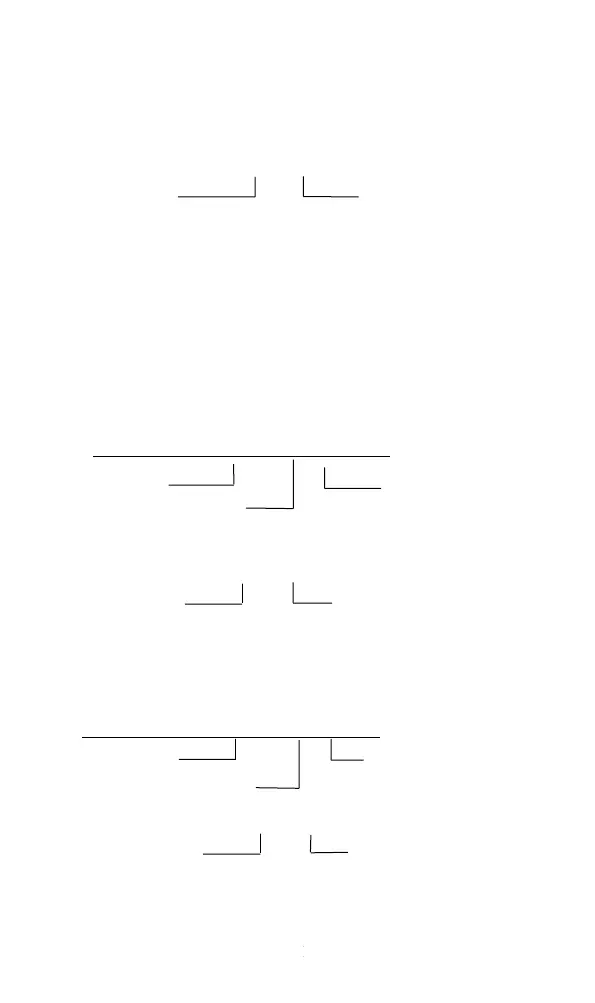
Reset barcode production: 0B200 00
Leading command for global / local code
(2) Filter out the same character before the barcode
For example, if the resolved barcode data is AAA1234 and the
specified character is A, the output result is 1234. Note that the
setting must be the same character, which will retrieve rules from
scratch, encounter the specified character to start, and encounter
the different character to end.
Barcode production: 02100000 01 A
The leading command Specify the character,
and the range is the ASCII
Visible characters with a global / local code values of 32 to 126.
Reset barcode production: 0B210 01
The leading command Global / Local code
(3) The ame character after filtering the barcode
The function is similar to the previous one, except
that the retrieval rules start at the end.
Barcode production: 02200000 01 A
Leading command, which specifies the character
Global / Local code
Reset barcode production: 0B220 01
The leading command Global / Local code
(4)Turn off transferring a specified character


 To Next Page