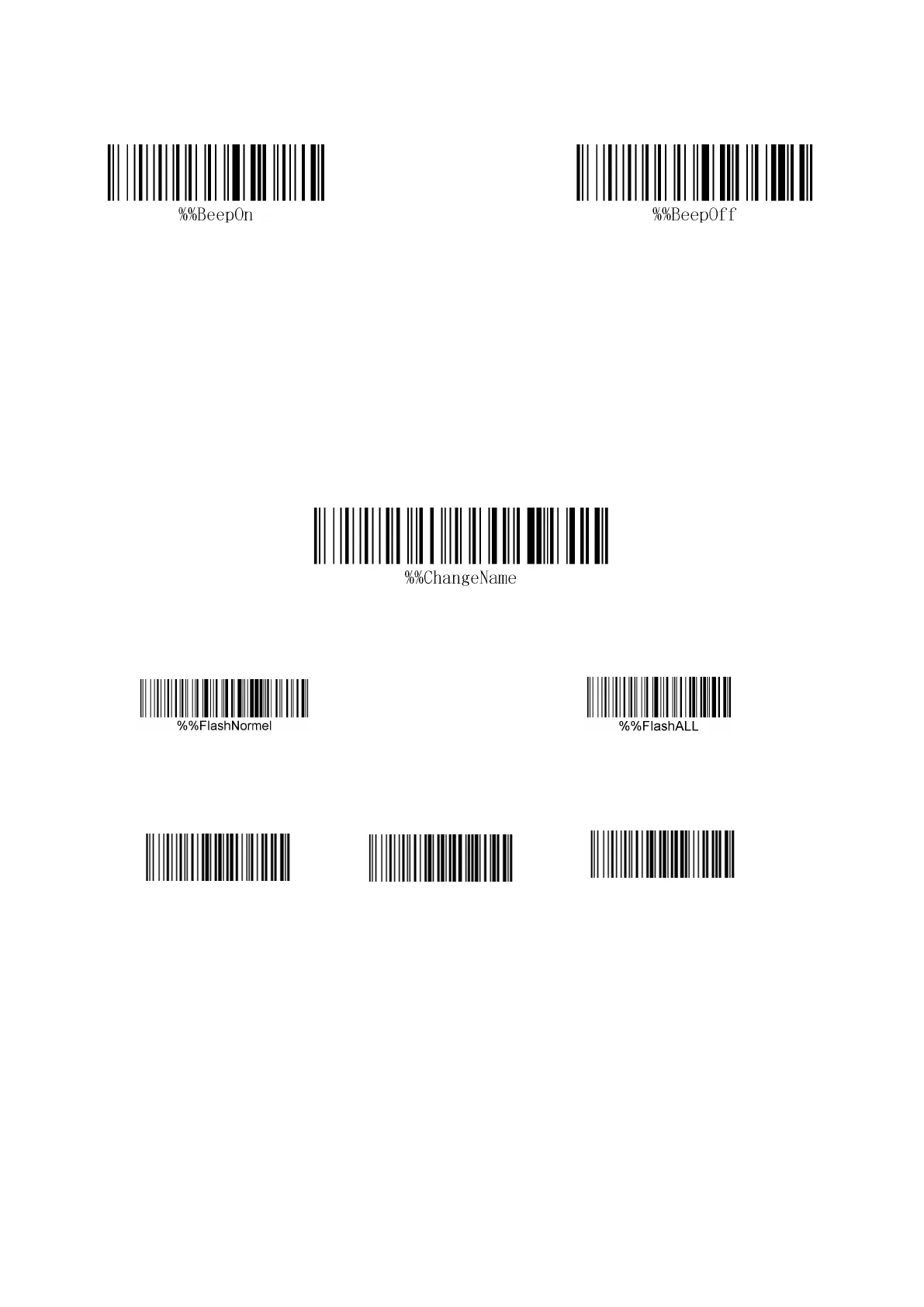
Open the decoding sound Close the decoding sound
Bluetooth name modification setting
Bluetooth name factory default "scangun", if you need to set the Bluetooth name steps are
as follows:
1. Change the Bluetooth name needs to be changed in Bluetooth mode
2. Scan the Bluetooth setup code
3. The bar code of the name should be set for scanning
4. Pair it again to find the set name
Inventory capacity setting
2.9W article 10,000 article
Barcode scanner ID settings
Setting method: Scan the go to ID Settings barcode with the wireless barcode scanner, and
then scan the barcode with the parameter value that you want. For example, set the barcode
scanner ID to "01", and the operation is: enter ID Set> parameter value (scan "0" barcode
and then scan "1" barcode).
Display / hide ID method: Scan the "Display ID" or "hide ID" barcode to complete the ID
of the barcode scanner.



 To Next Page