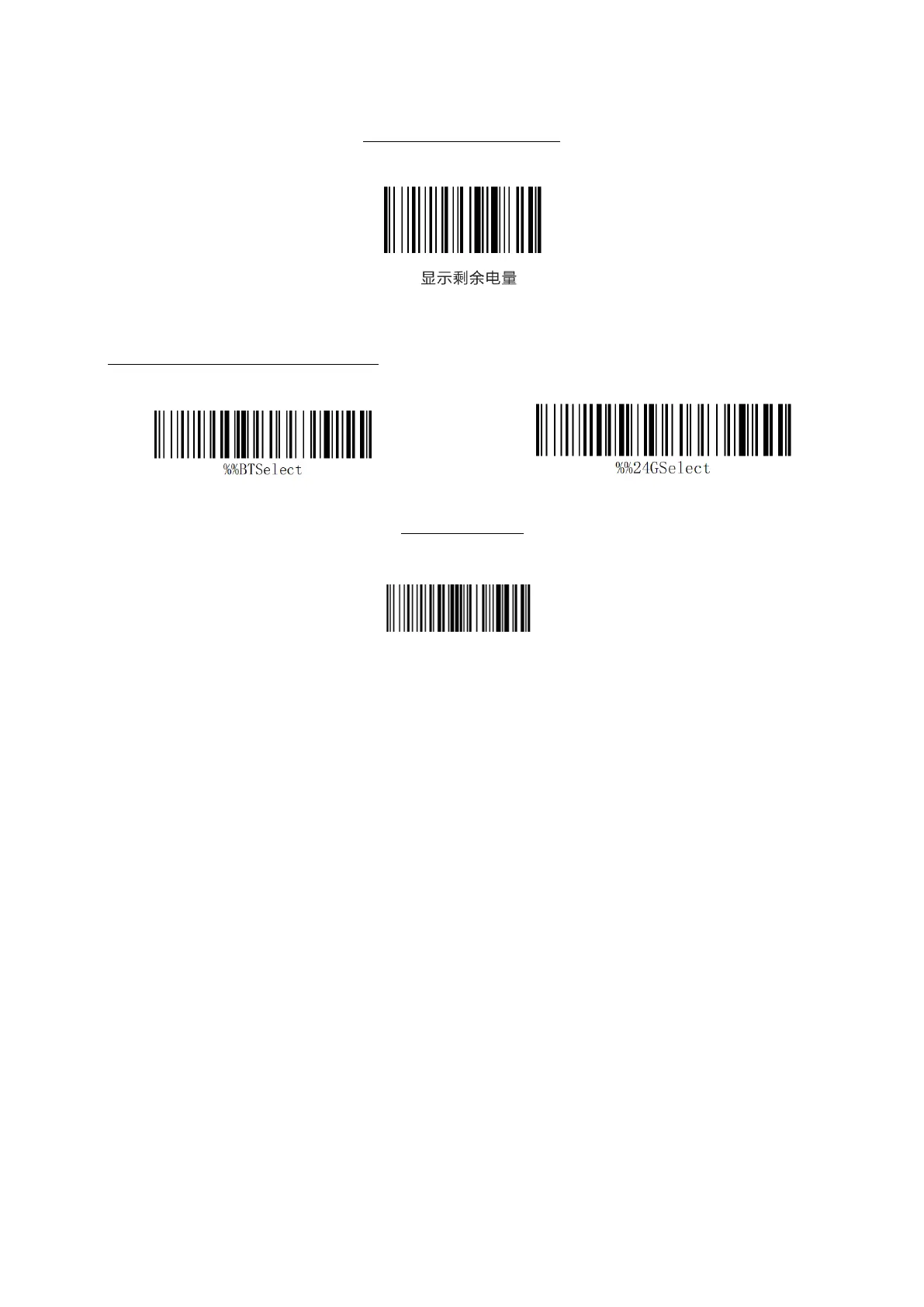
2.4G one-button pairing method: first scan the scanner "one-button pairing" to set the bar
code, wait for the scanner "di", "" di "and" di "sound, then insert the receiver into the
computer USB interface (note: after successful pairing, the scanner" di "," di "and" di
" sound disappear the whole step is completed within 30 seconds).
Bluetooth one-key pairing method: first use the scanner to scan the "one-button pairing"
to set the barcode, wait for the scanner "di", "di" and "di" sound, open the computer or
mobile phone Bluetooth will prompt "scangun" to click the link.
Two "drops" are heard, indicating that the receiver matches successfully, and the barcode
scanner flashes the green light twice.
A receiver can match multiple barcode scanners, but one barcode scanner can match only
to one receiver.
Note: When using one receiver to match multiple barcode scanner, it is prone to data loss
or error, and one receiver matches one barcode scanner whenever possible.
Successful decoding prompts the tone response setting



 To Next Page