27
Use
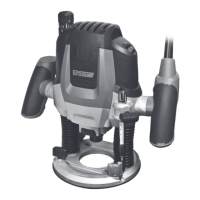
Intended use
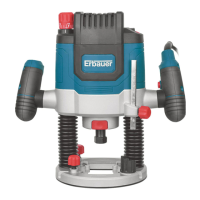
This product is intended for routing grooves, edges, proles and elongated hole cuts
in wood, plastic and light building materials, while resting rmly on the workpiece. The
product must be used in an upright position.
Never use for working overhead or on vertical surfaces.
Before you start
01
Protection
Controls
01
On/off switch and Lock-off button (Fig. H)
1. Press the lock-off button (16) and hold it in position.
2. Press the on/off switch (15) to switch the product on.
3. Release the on/off switch (15) to switch the product off.
02
Speed dial (Fig. I)
Adjust the maximum speed by using the speed dial (6).
1. Turn the speed dial (6) to larger number to increase the speed. A higher setting
is suitable when using large diameter router bits or working on hard materials like
wood.
2. Turn the speed dial (6) to smaller number to decrease the speed. A lower setting
is suitable when using small diameter router bits or working on soft materials like
plastic.
2100W router MNL_ER2100_TPS_GB_V02_20180608.indd 27 6/8/18 19:22


 To Next Page