6 • Maintenance and servicing
42 / 42
80116-221
10.15
1. Set the test specimen to:
AUTO CUT, 10 Watt
2. The return electrode indicator light must light up red on the test
specimen.
3. Activate AUTO CUT via the footswitch. The test specimen must inhibit
activation and emit or display an optical and acoustic warning.
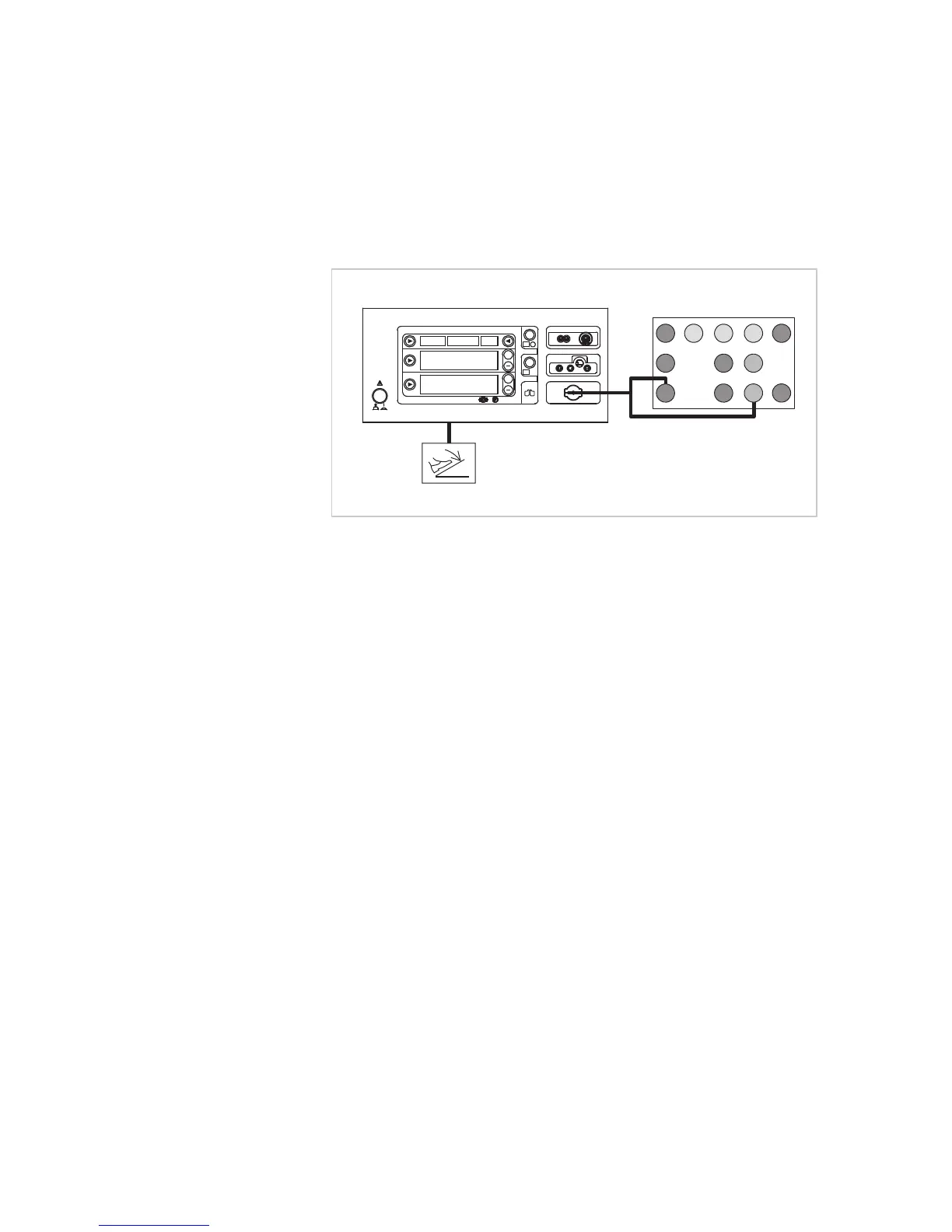
2nd test step
Fig. 6-7
• The test specimen is connected to the power supply via the power
cord.
• The test is performed without a load.
• The NE receptacle of the test specimen is connected to the VIO Testbox
via the patient cable NE with the adapter cable.
• The dual-pedal footswitch is connected.
1. Keep the setting on the test specimen.
2. The return electrode indicator light must light up green on the test
specimen.
3. Activate AUTO CUT via the footswitch. It must be possible to activate
the test specimen without error or warning signals.



 To Previous Page