31
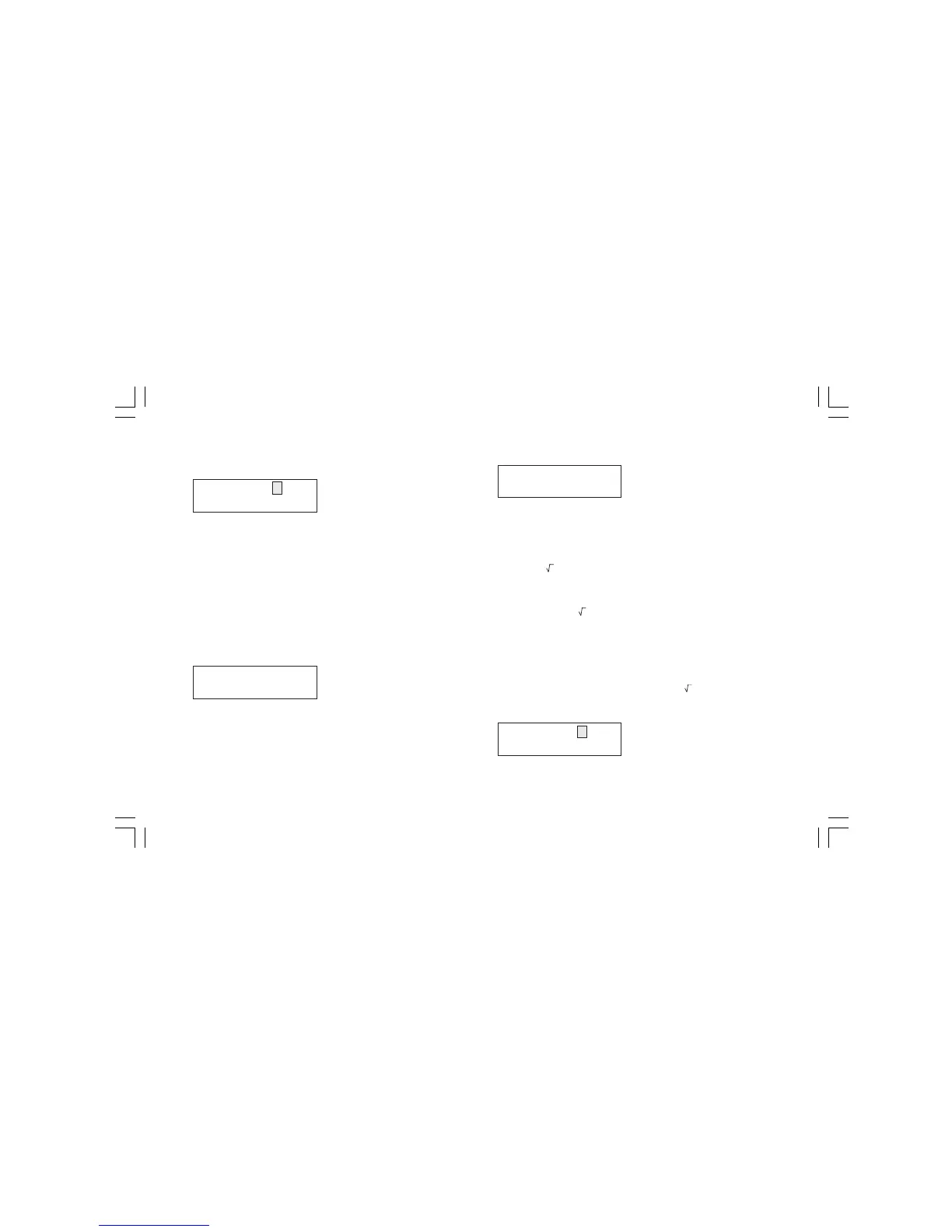
The display will show the following:
By the numerical keyboard, set the desired final scale value (From
Example 1, this value is equal to 20.000 mA).
Push the FUNC push-button; the cursor will go automatically on the
lower line.
By the numerical keyboard, set the desired read-out assigned to the
final scale value (from Example 1 this value is equal to 10.00 Bar).
NOTE: For the read-out in eng. units, the number of decimal
figures will be equal to the decimal figure programmed in
"L.RANGE EU".
Push the FUNC push-button.
The instrument will start to measure .
For example 1, if a signal equal to 13.067 mA is applied to the input
terminal the display will show:
NOTES:
1) During a TX measurement it is possible to enable/disable, by
the REV/MOD push-button, the scaling function and to display
the measured value in mA. For the previous indication the
instrument will show:
2) During TX measurement, the instrument is able to measure and
display up to 5 % more than the upper programmed value or 5%
less than the lower programmed value.
3.5.2 RNG ( ) TX measurement with square root extraction on
the measured value and programmable read-out
scaling.
Selecting the RNG ( ) option, the instrument extracts the square
root of the measured value and scales it according to the pro-
grammed range.
Example 2: with a quadratic input range from 4 to 20 mA it is
desired to have a linear read-out going from 0.0 to 500.0 (l/h).
Pushing s or t push-button select the RNG ( ) scaling type.
Push the FUNC push-button, the display will show the following:
H.RNG XXXXXX mA
H.RNG XXXXXX EU
MEAS TX(L)
6.10 EU
MEAS 20 mA
13.067 mA
L.RNG XXXXXX mA
L.RNG XXXXXX EU
M20-e-3.p65 7/9/01, 2:40 PM31


 To Next Page