38
HOW TO MEASURE A RESISTANCE
Push MEAS push-button; the display will show the following:
By pushing s or t push-button, select the RTD input type.
Push the FUNC push-button; the display will show:
By pushing s or t push-button, select OHM.
Depress the FUNC push-button; the display will show the following:
where:
MEAS shows that the instrument is performing a measurement
Ohm shows that the instrument is performing an W measure-
ment.
W shows the engineering unit.
XXXXXXX shows the measured value in engineering unit.
MEAS
TC RTD mA mV TX
Pt 100 Ni 100
Ohm
MEAS Ohm
XXXXXXX W
3.8 TC SIMULATION
NOTE: The instrument will operate in accordance to the selected
temperature standard (IPTS-68 or ITS-90) (see paragraph
"2.3 INSTRUMENT CONFIGURATION").
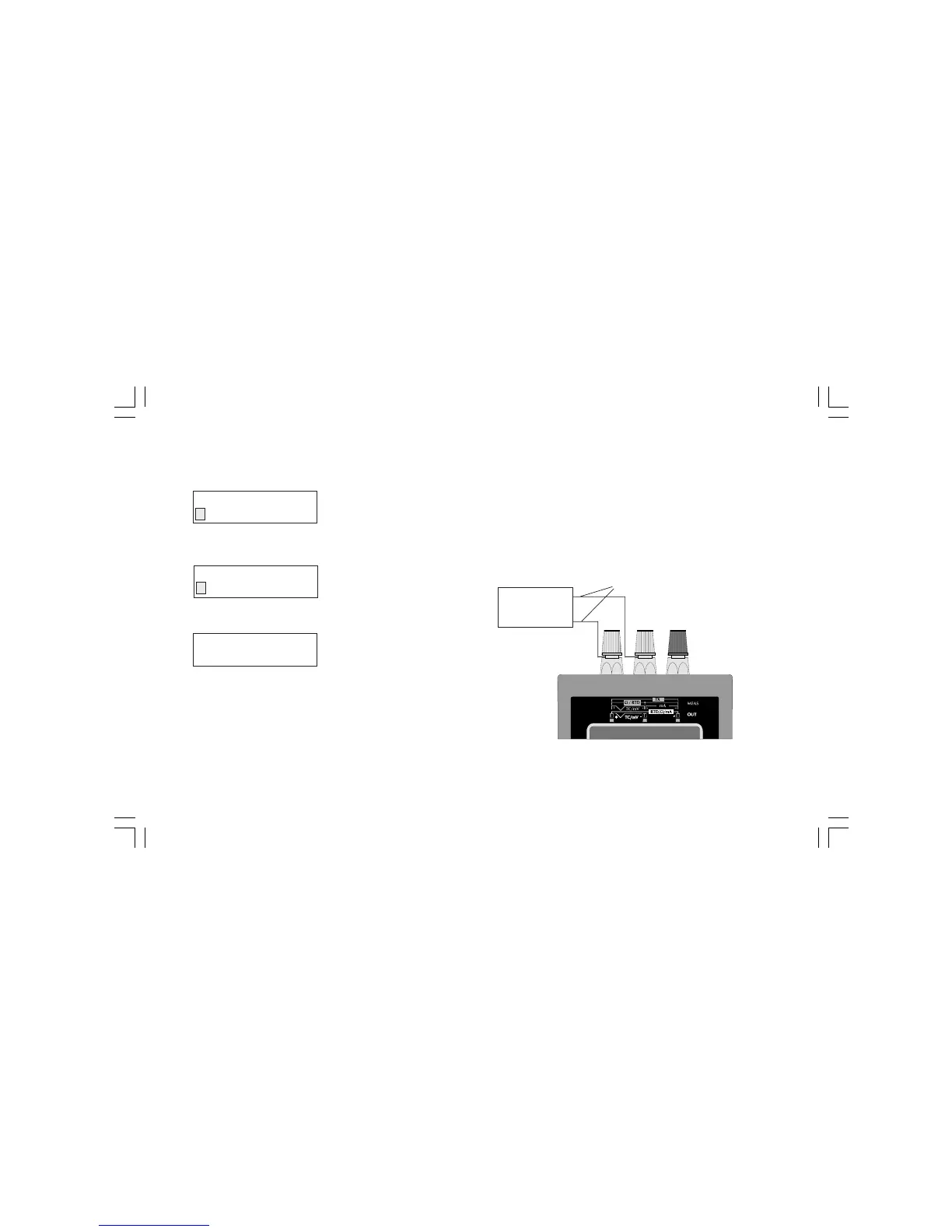
CONNECTION FOR TC SIMULATION USING INTERNAL RJ
For all TC simulations it is suggested to connect the extension cables
directly to the instrument connectors without any additional plug.
If plugs are required, it is necessary to use gold plated banana
plugs in order to avoid not desired junction effects between cables
and plug material.
NOTE: when it is desired to exclude the cold junction compensa-
tion, select the external compensation and set a value equal to 0 °C
or 32 °F.
+
-
TC extension cable
TC
MEASURING
INSTRUMENT
M20-e-3.p65 7/9/01, 2:40 PM38



 To Next Page