57
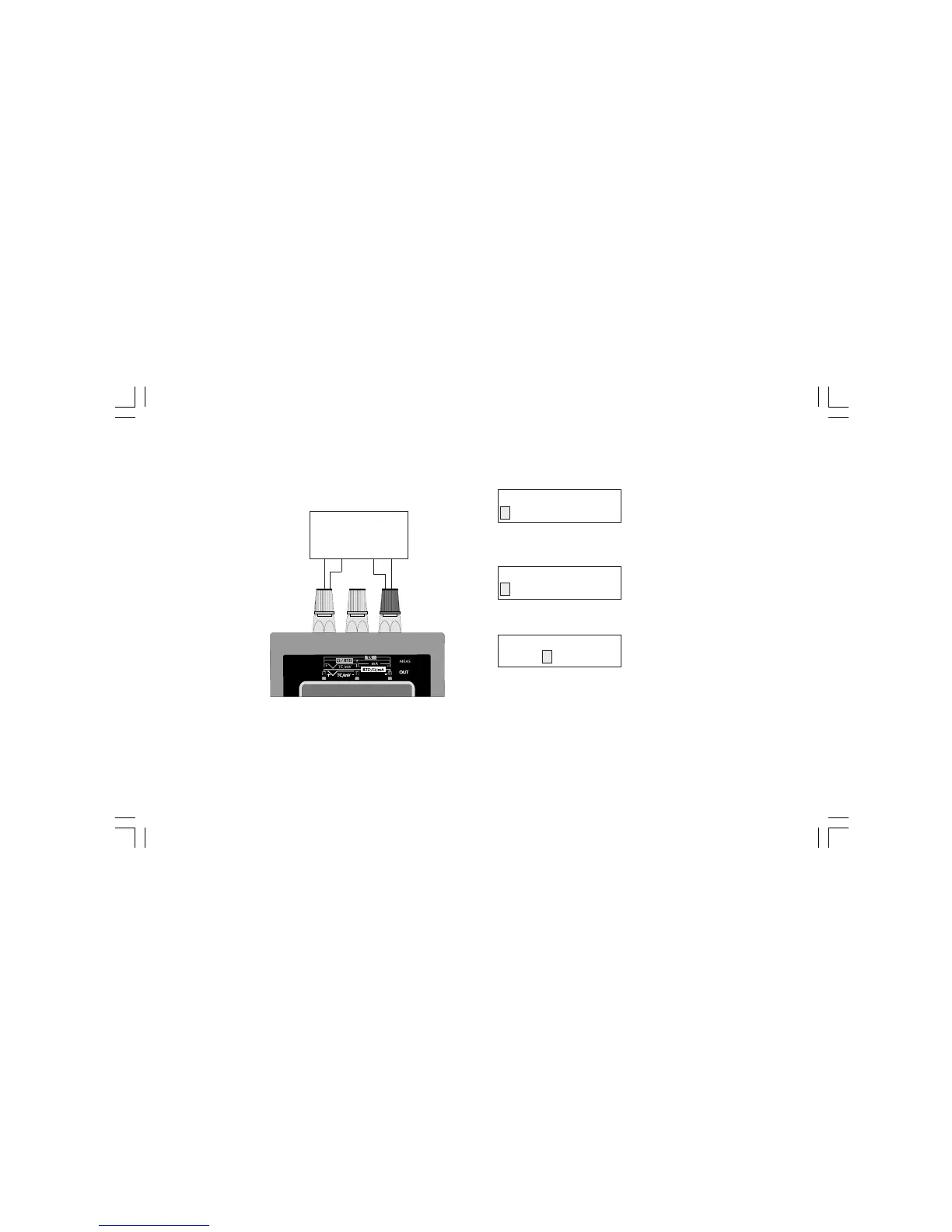
4-WIRE CONNECTION FOR OHM SIMULATION HOW TO SIMULATE A RESISTANCE
Push OUT push-button; the display will show the following:
By pushing s or t push-button, select the RTD input type.
Push the FUNC push-button; the display will show:
By pushing s or t push-button, select OHM.
Depress the FUNC push-button; the display will show the following:
where:
OUT shows that the instrument is performing a simulation.
Ohm shows that the instrument is performing an W simulation.
W shows the engineering unit.
XXXXXXX shows the programmed value in engineering unit.
Type the desired value.
Push the FUNC push-button.
The instrument start immediately to simulate.
W
MEASURING
DEVICE
+
-
From 15 to 500 OHM
OUT
TC RTD mA mV
Pt 100 Ni 100
Ohm
OUT Ohm
XXXXXXX W
M20-e-3.p65 7/9/01, 2:41 PM57



 To Next Page