8
�
BEFORE YOU START
•
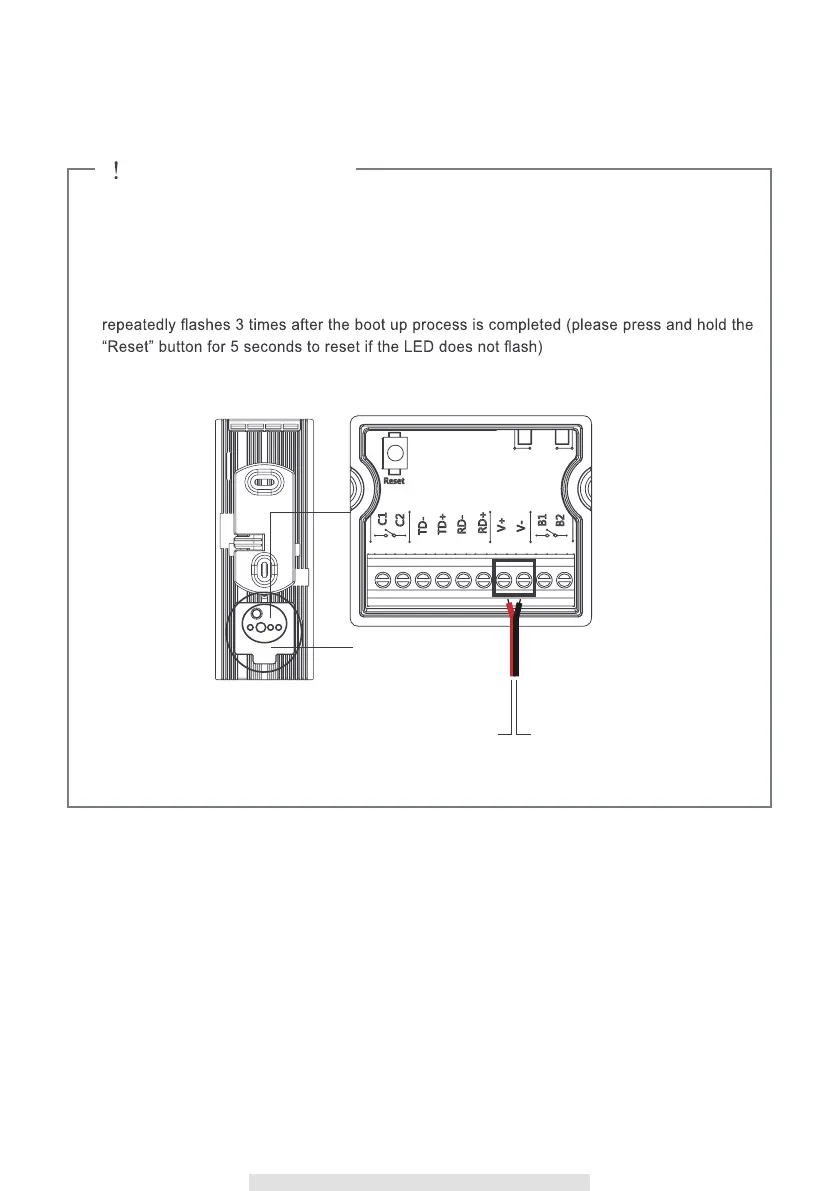
Do not mount the RVDP until completing the Wi-Fi connection setup.
•
Install the RVDP where is can receive excellent Wi-Fi network signals. Under weak Wi-Fi
signal environment, install the RVDP by using Ethernet cable.
•
First connect power to the RVDP using the supplied Power Input Cable to 9-48V power
source.
•
After supplying power, the boot up process will begin (> 2 minutes), the circle LED will
.
REMOTE VIEW DOOR PHONE SETUP & INSTALLATION
Water-resistant
cover



 To Next Page