14
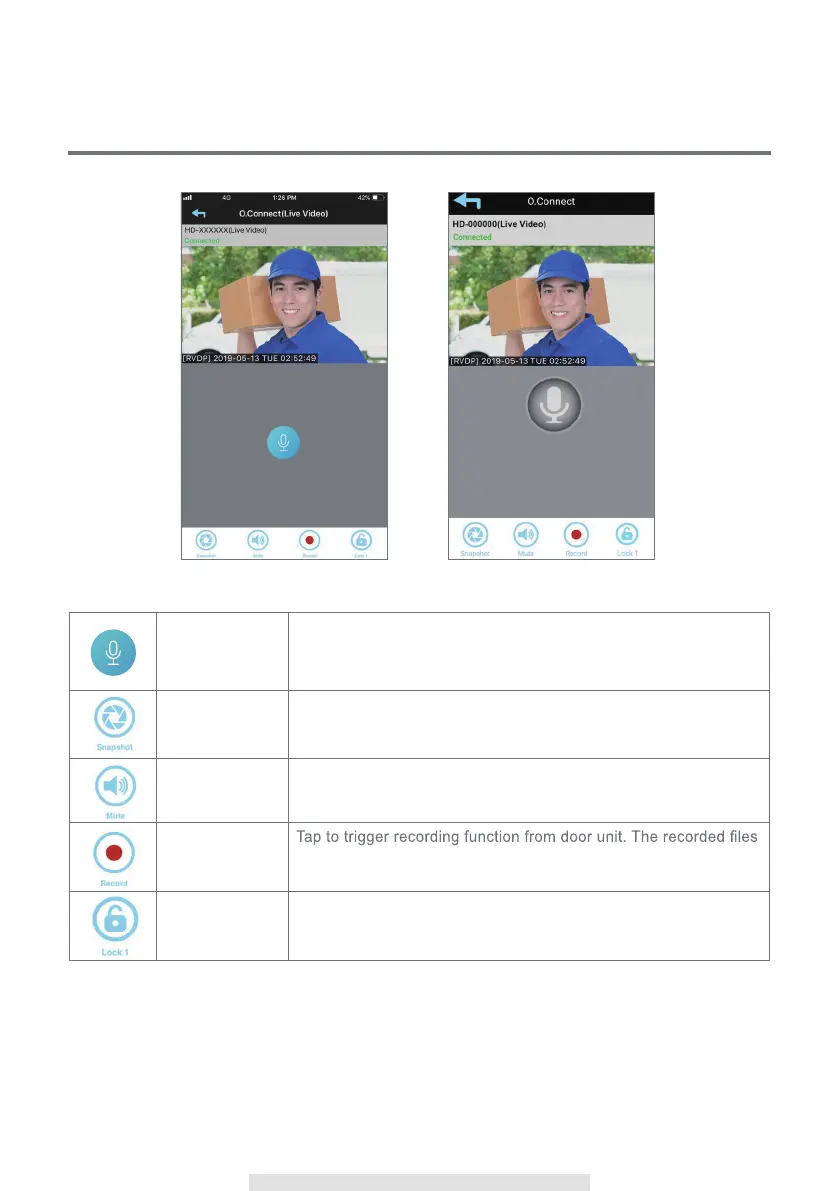
VISITOR CALL-IN PAGE
Press to talk
and release to
listen
Tap and hold the icon to speak with visitor
Snapshot Tap to take a picture. Pictures are saved to your mobile device
Mute/Unmute
Tap once to mute the audio coming from the door unit. Tap again
to resume
Record
are stored in the memory card inside the door unit
Lock 1
Tap the icon once and enter "admin password" to remotely open
the door for visitor (3rd party device required)
(iOS) (Android)



 To Next Page