22
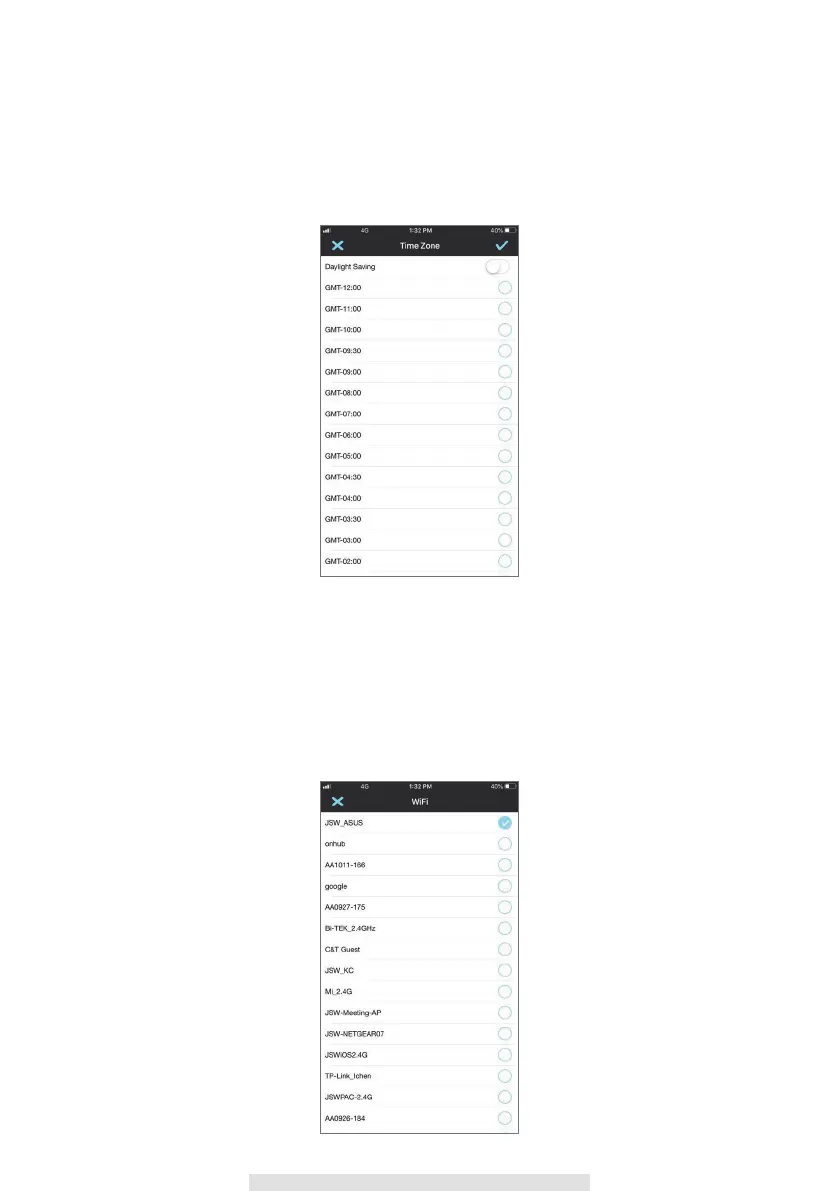
Time Zone
The drop-down list shows the world time zone. Select the time zone that will work the best for you.
If your date/time is during the daylight saving time period, please check the Daylight Saving box to
adjust the system time properly.
Wi-Fi
The Wi-Fi setting allows you to choose the wireless connection and setup the Wi-Fi environment.
When you tap the “Manage Wi-Fi network” button, the system automatically scans the nearby
network and shows the available Wi-Fi routers in the drop-down list. Choose the appropriate Wi-Fi
router and enter the Wi-Fi router password if necessary. Due to security concerns, it is suggested
to use the WPA/WPA2/ WPA2-PSK protocol for Wi-Fi network.



 To Next Page